TripAdvisor QR Review Card: Scan to Rate Your Stay or Meal
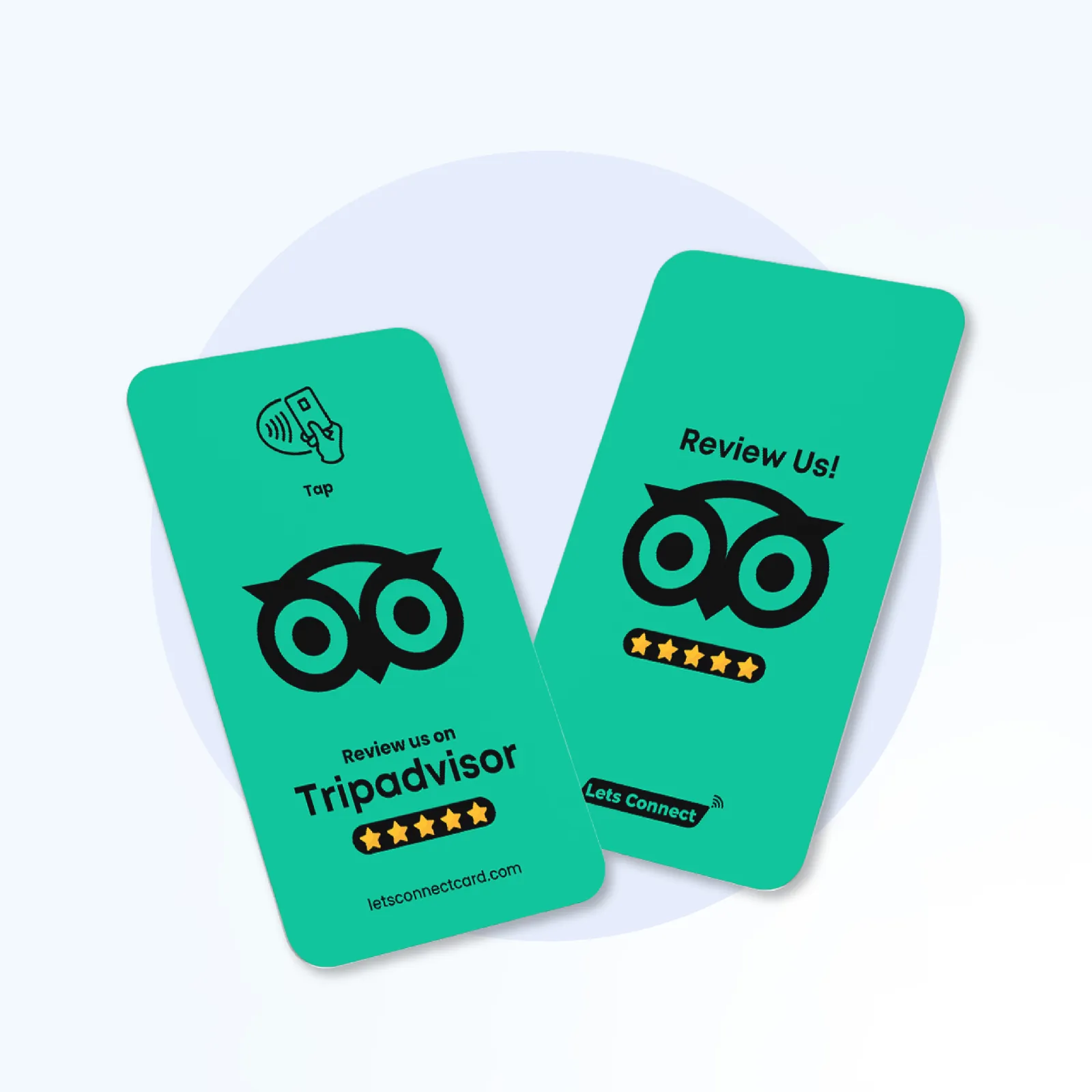
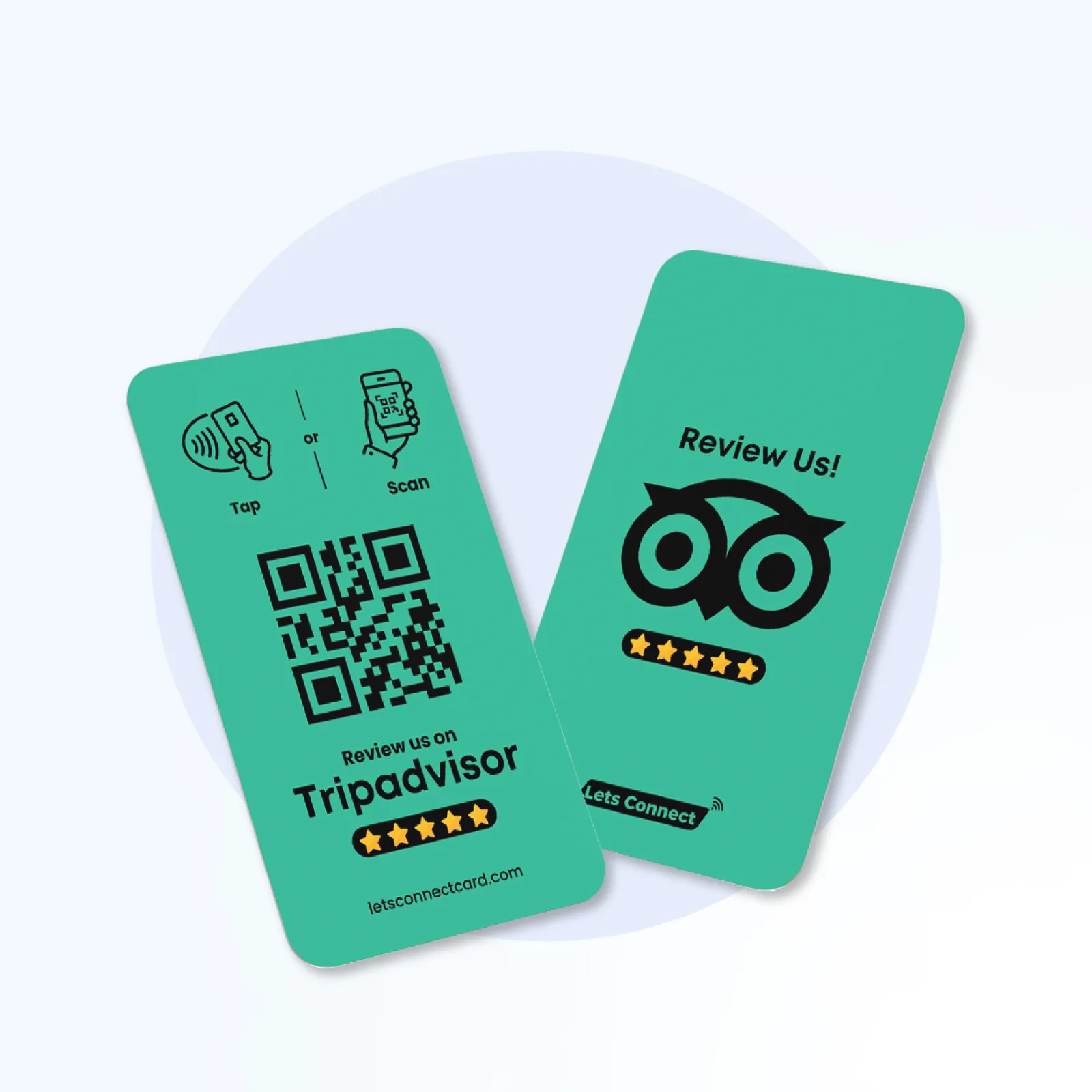
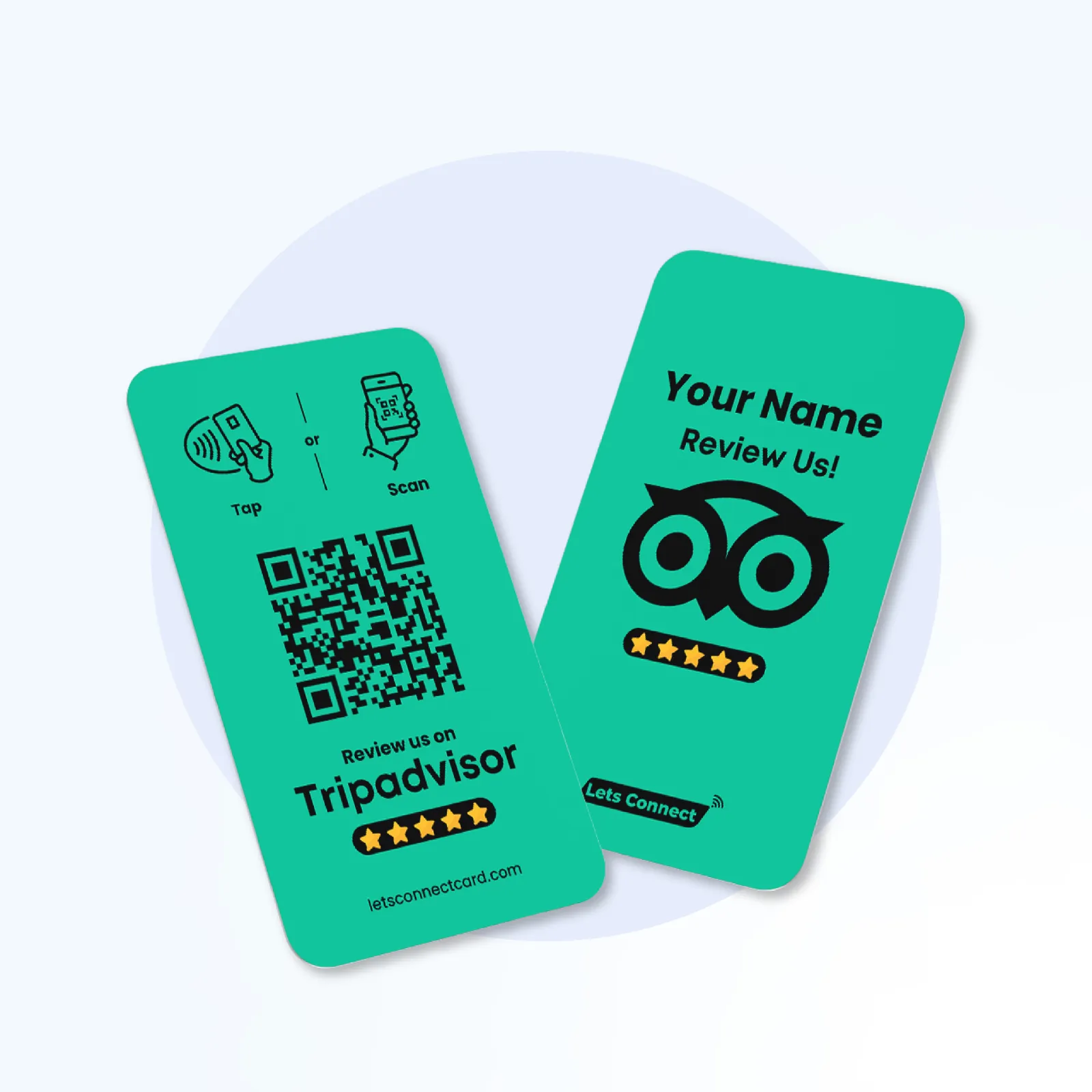
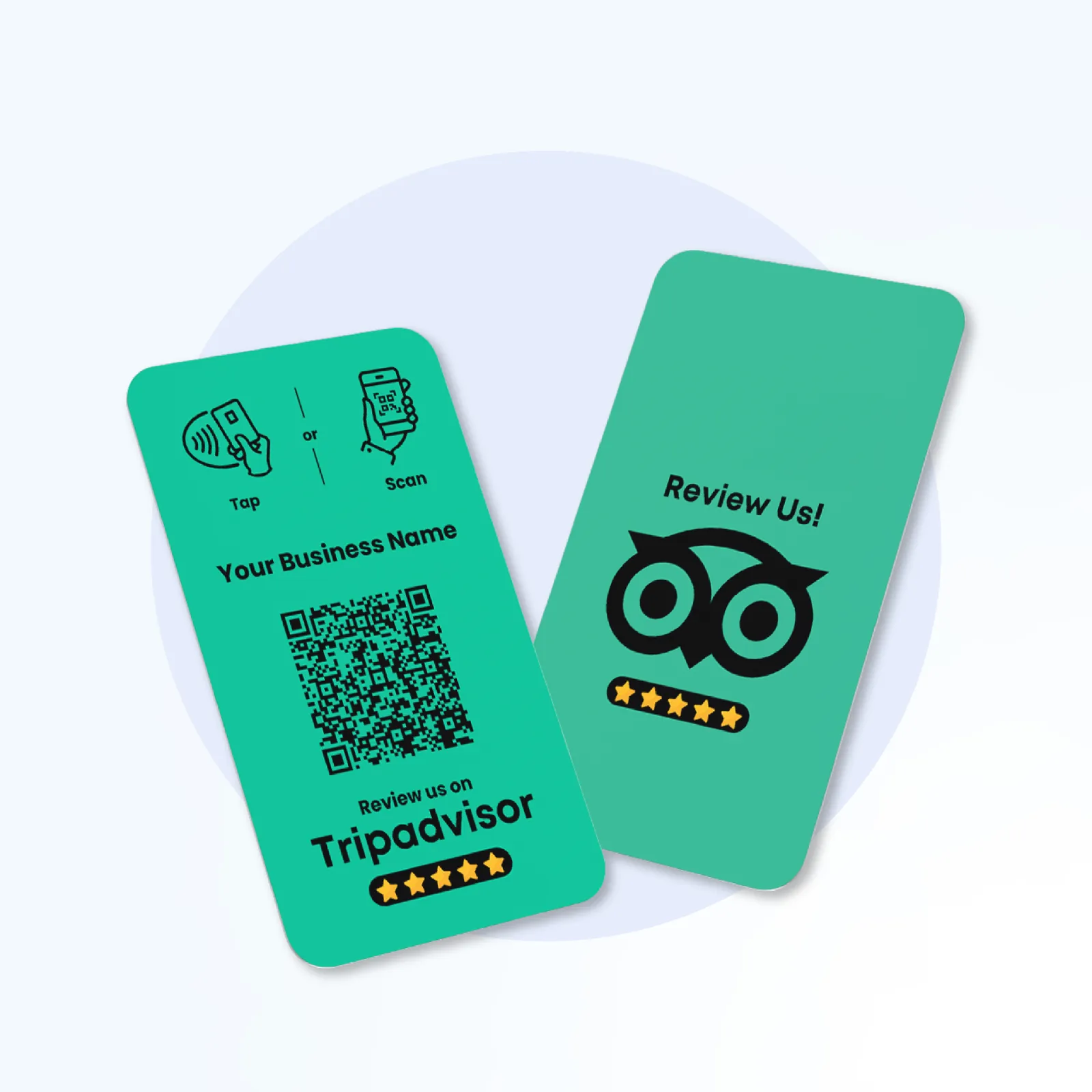
Guests scan this card with their phone camera and land on your TripAdvisor review page, ready to rate their stay, meal or tour. It is built for hotels, B&Bs, restaurants and attractions that want reviews while the experience is still fresh. The printed QR code needs no app to scan, and an NFC chip is included as backup.
Price on request
Editable URL add-on: available on request
This yearly add-on isn’t sold online yet. If you’ll want to change the link later without reprinting, ask us before you order.
Ask about the Editable URL add-on
- Printed QR code + NFC backup
- 12-month warranty
Product overview
Invite guests to share their experience on TripAdvisor. A QR scan opens your review link at the bill tray or reception desk.
Review Cards
TripAdvisor QR Review Card: one scan opens your review page
Invite guests to share their experience on TripAdvisor. A QR scan opens your review link at the bill tray or reception desk.
Pricing
Price on request
- 12-month warranty on physical cards
Printed QR code
NFC tap as backup
What you get with the TripAdvisor QR Review Card
Scan-to-Review TripAdvisor QR
One scan lands guests on your TripAdvisor review form — no searching, no hunting.
QR Scanning + Backup NFC
Works with the camera on recent iPhone and Android phones
Engineered for Hospitality
Purpose-built for hotels, restaurants, tours and attractions.
Matte PVC
Made for everyday counter use
TripAdvisor QR Review Card specifications
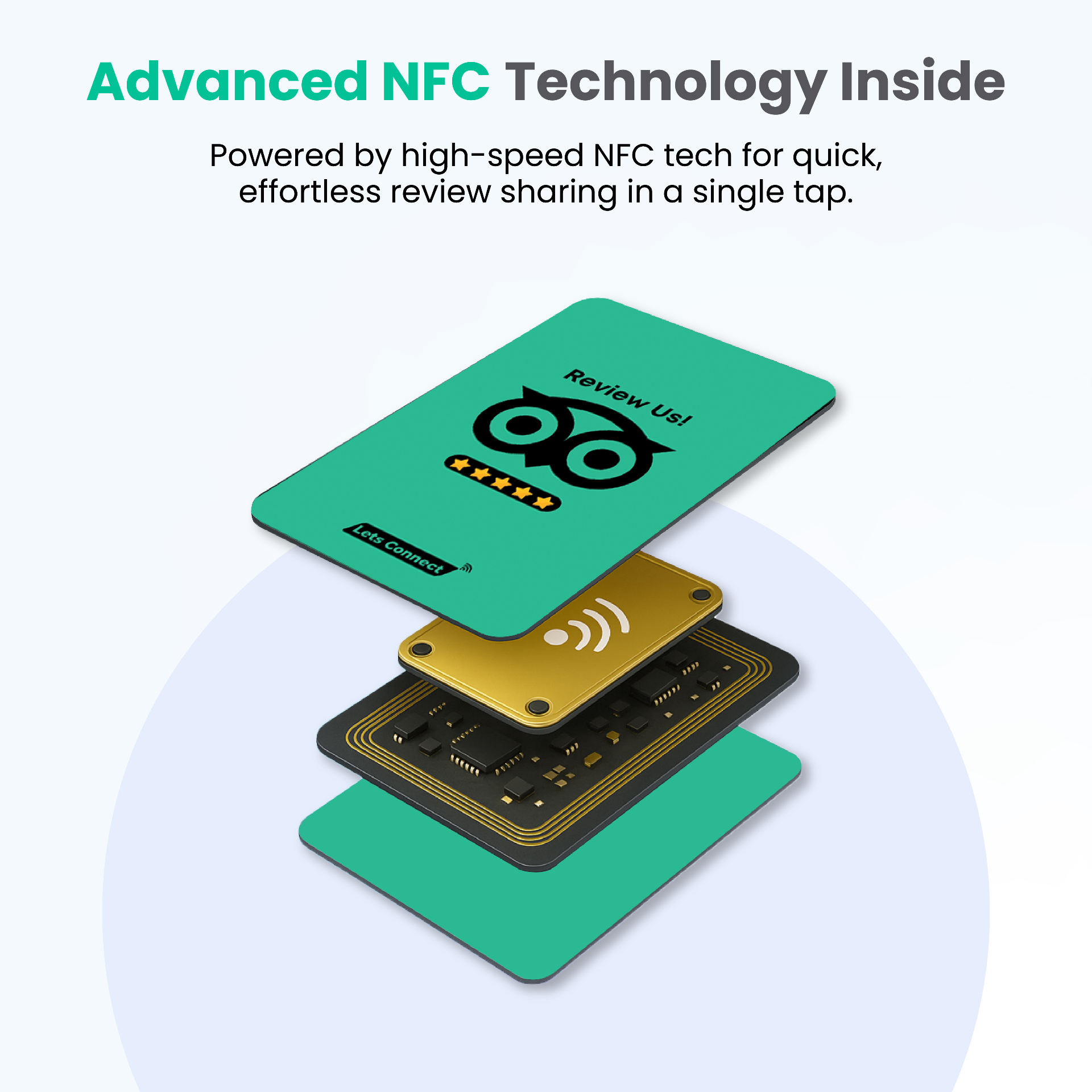
What you get with this product: a printed QR code and an NFC chip, both linked to the page you choose.
- Material
- Depends on the version you choose: card, stand, sticker or plaque
- Size
- Sized for where it will be used, from wallet cards to counter stands
- Chip & QR code
- A printed QR code plus an NFC chip, both linked to your review page
- What's in the box
- The item you chose, linked to your review page
How your TripAdvisor QR Review Card works
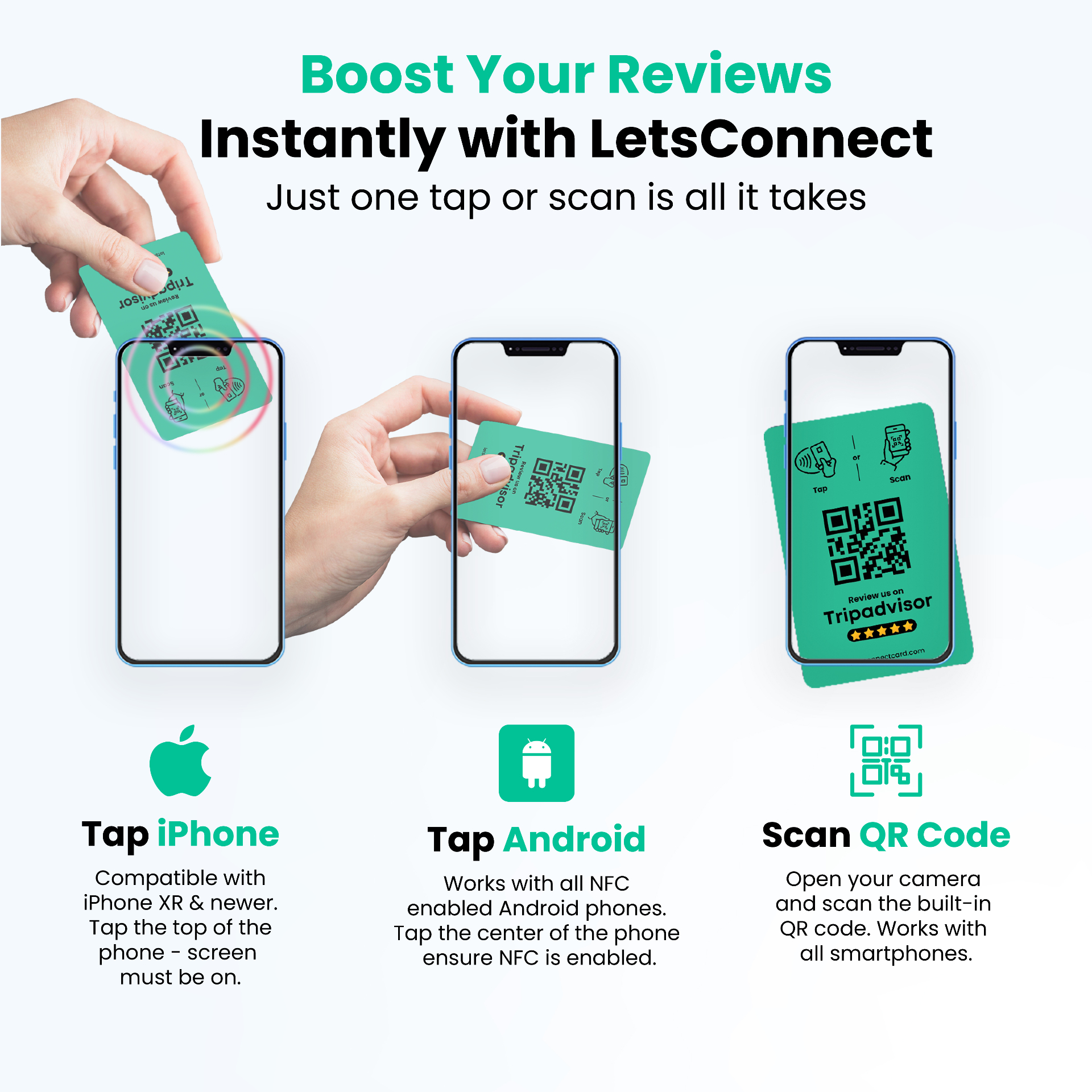
No app to download and nothing to install: a printed QR code and an NFC chip work together, so people can scan or tap.
1. Order & personalise
Pick your variation, add the link you want it to open, and place your order. Each item is set up and printed to order.
2. Scan to check
When it arrives, scan the printed QR code with your phone camera, or tap it on an NFC-enabled phone, to check it opens the right page.
3. Share it
Hand it over or put it on display, and people scan or tap to open your page. The link is the one you gave us, so check it before you order.
Key Feature
Make Guest Feedback Easy to Share
Invite guests to share their experience after a visit, meal or stay. The TripAdvisor QR Review Card opens your review link with a scan, so guests can choose their own rating and write their feedback.
- Direct link to your TripAdvisor review page
- Purpose-built for hotels, restaurants, tours and attractions
- Keep your review link visible at reception or checkout
- Invite honest feedback from your guests
Key Feature
How the TripAdvisor QR Review Card Works
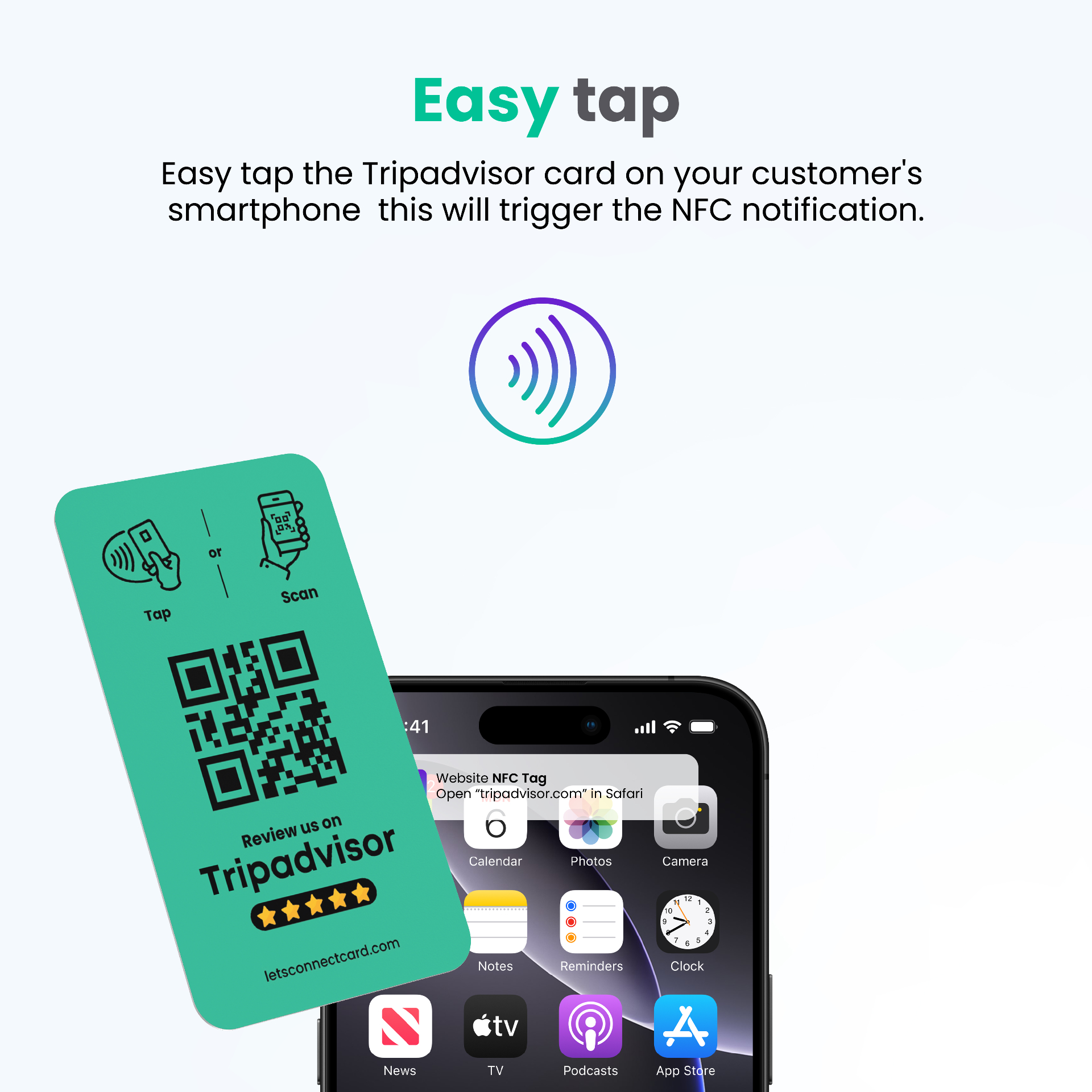
Hand the card to a guest at checkout, on the bill tray or at reception. They scan the printed QR with their phone camera — or tap the embedded NFC chip — and your TripAdvisor review page opens instantly, ready for their rating and comment.
- Scan-to-review QR opens the TripAdvisor review form directly
- NFC tap fallback for iPhone and Android users who prefer it
- Ideal for reception desks, bar tops and bill trays
- Made for everyday counter use
Technical Details
Card Specifications
- Material
- Premium PVC
- Dimensions
- 85.6 × 54 mm
- Technology
- Printed QR code + NFC chip
- Platform
- TripAdvisor
- Compatibility
- Works with the camera on recent iPhone and Android phones
Get started
Elevate Your TripAdvisor Presence
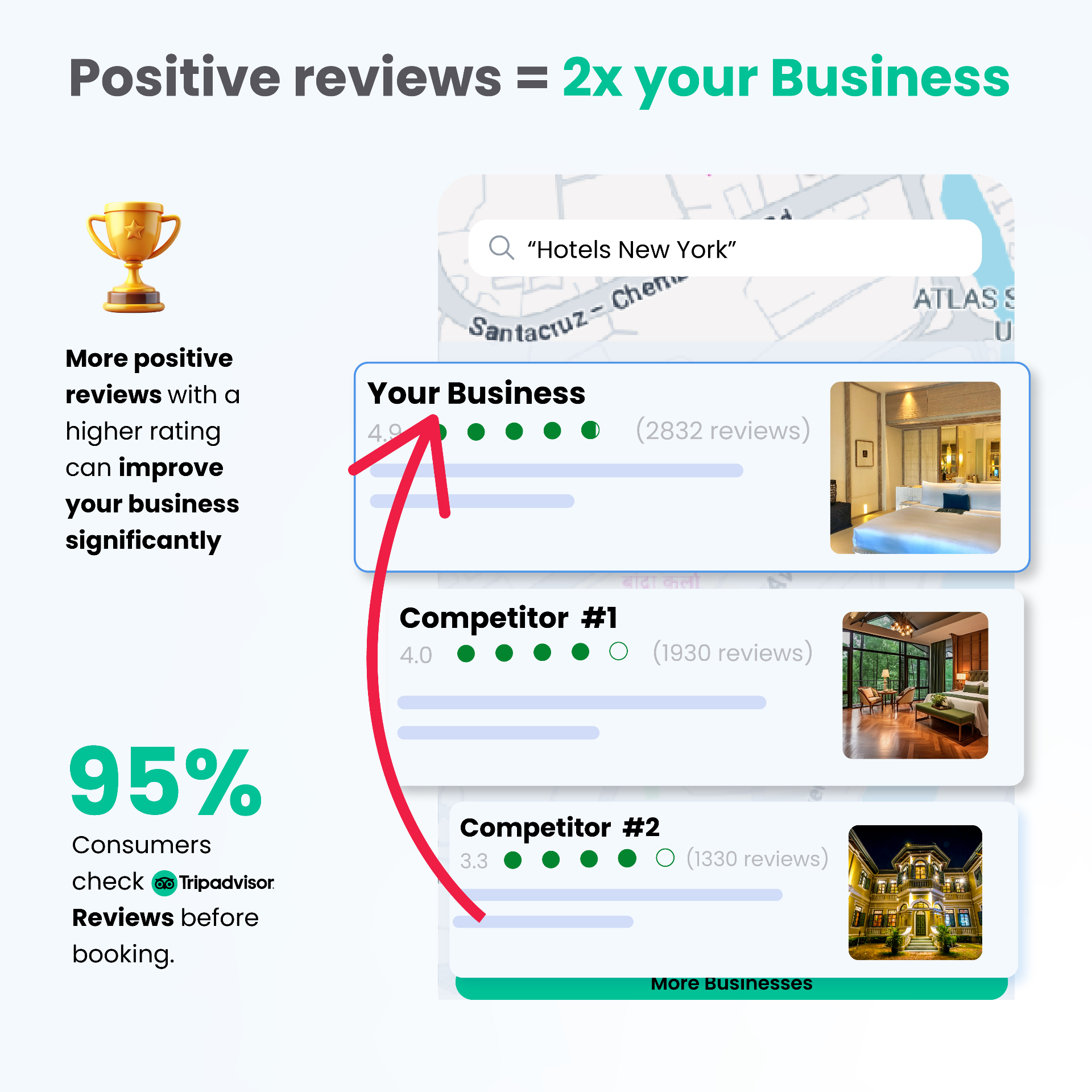
Order your TripAdvisor QR Review Card and turn every satisfied guest into a public five-bubble review that drives future bookings.
- 30-day returns policy
- 12-month warranty on physical cards
Where to use it
- Present it with the bill or at checkout
- Leave it in guest rooms and welcome packs
- Hand it to guests at the end of a tour
- Place it on reception and bar counters
Want one card for all your details, not just one link? See the QR code business card.
Got Questions?
Frequently Asked Questions
Everything you need to know about the TripAdvisor QR Review Card
- What link do you need from me?
- Your TripAdvisor listing or review link. We set the code to open that page.
- Can international guests scan it?
- Yes. QR scanning works the same on phones worldwide, and TripAdvisor shows the page in the guest's language settings.
- Can I change where the code points later?
- The code is set up for the link you give us when you order, so double-check it before you place the order. The Editable URL add-on isn’t sold online yet; if you’ll need to change the link later, ask us before you order and we’ll confirm the options and the price.