QR Google Review Stands
A QR code and NFC product that opens your chosen page with one scan or tap.
Price on request
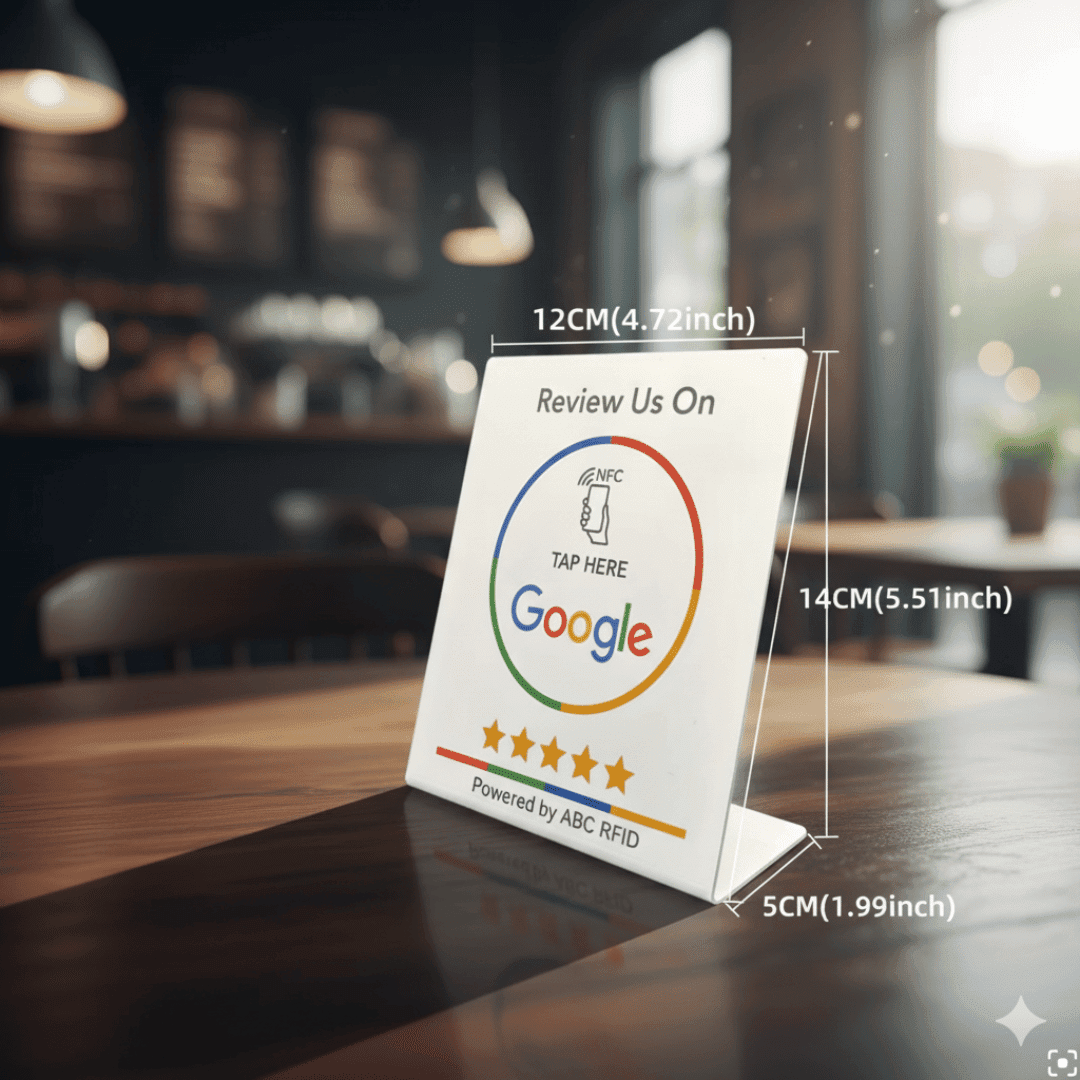
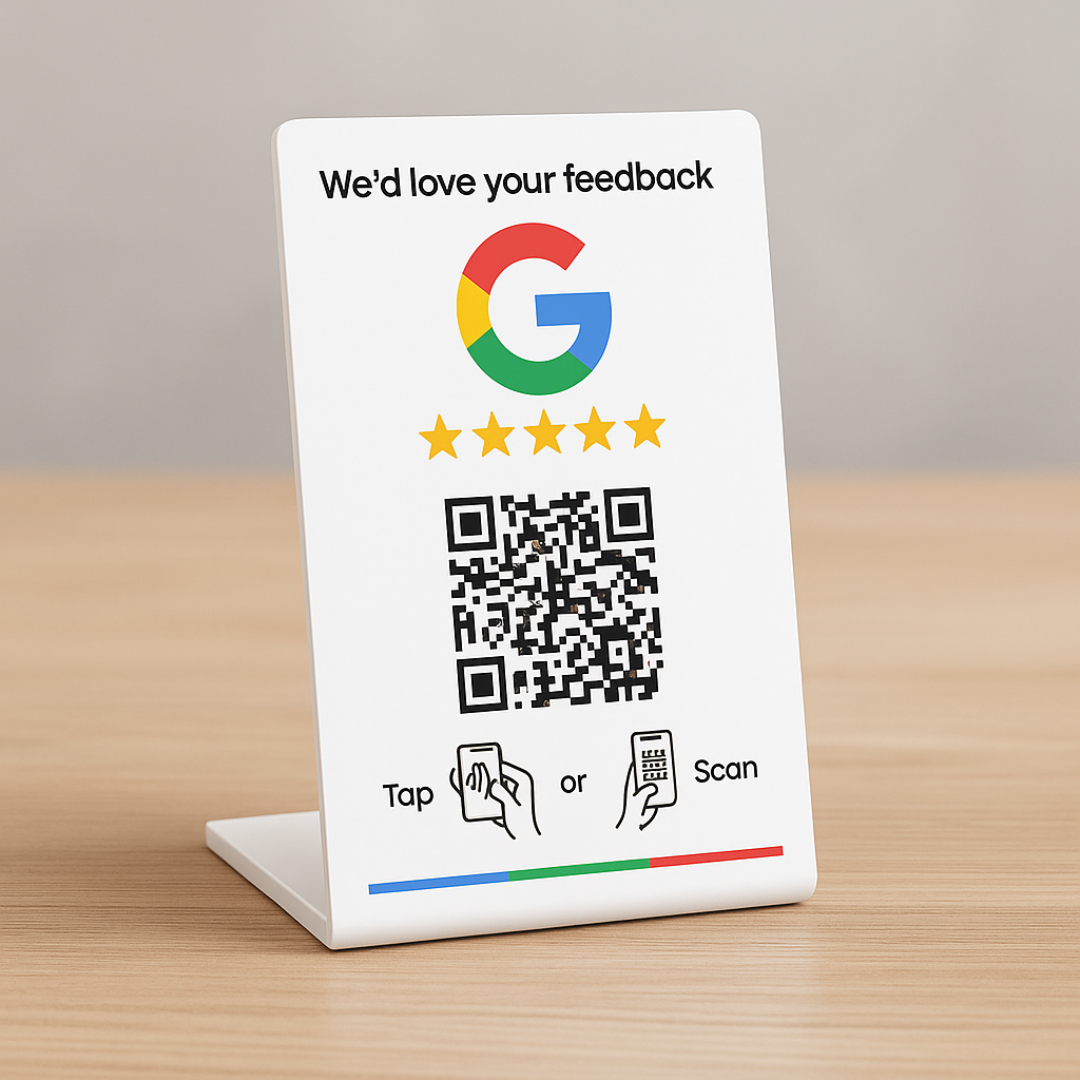
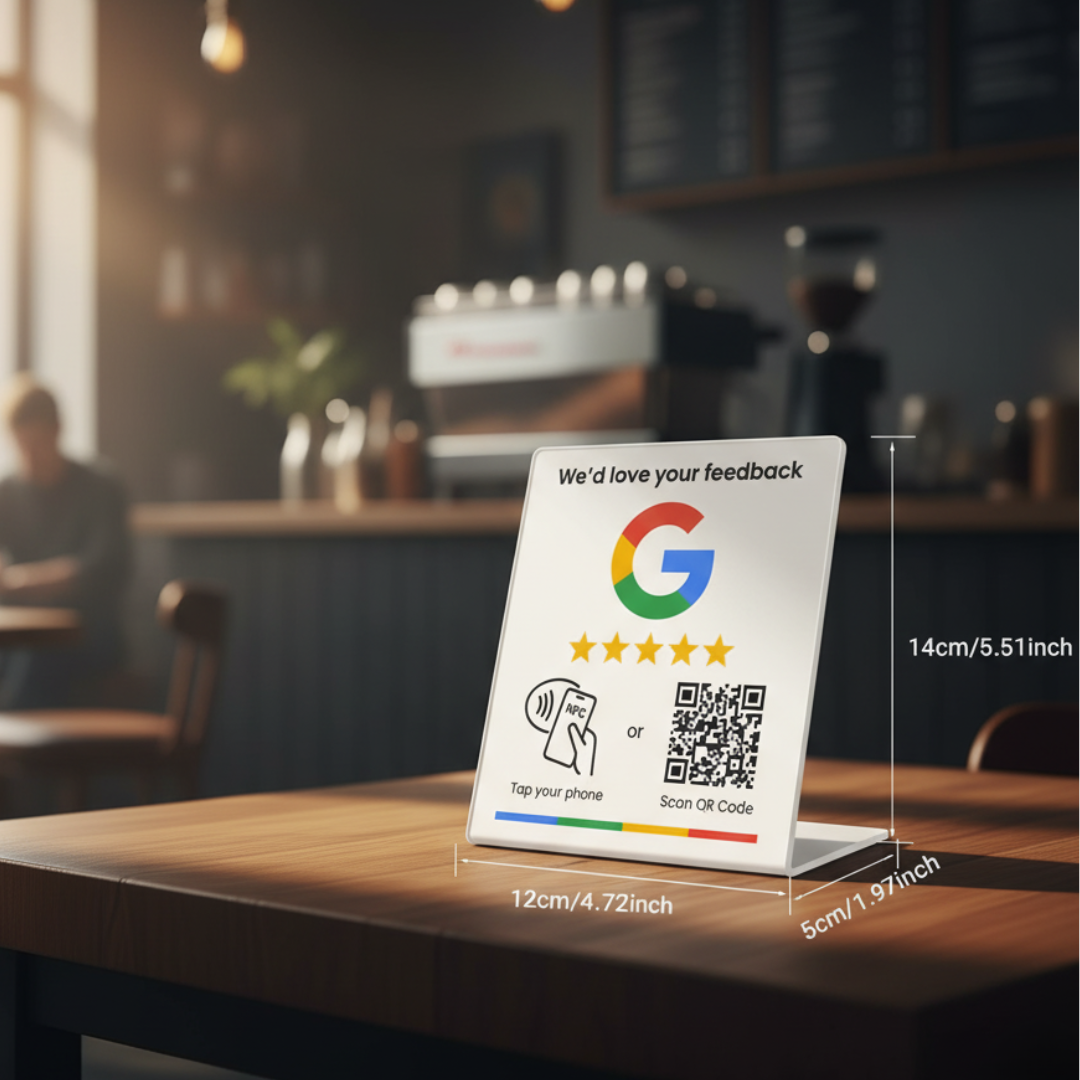
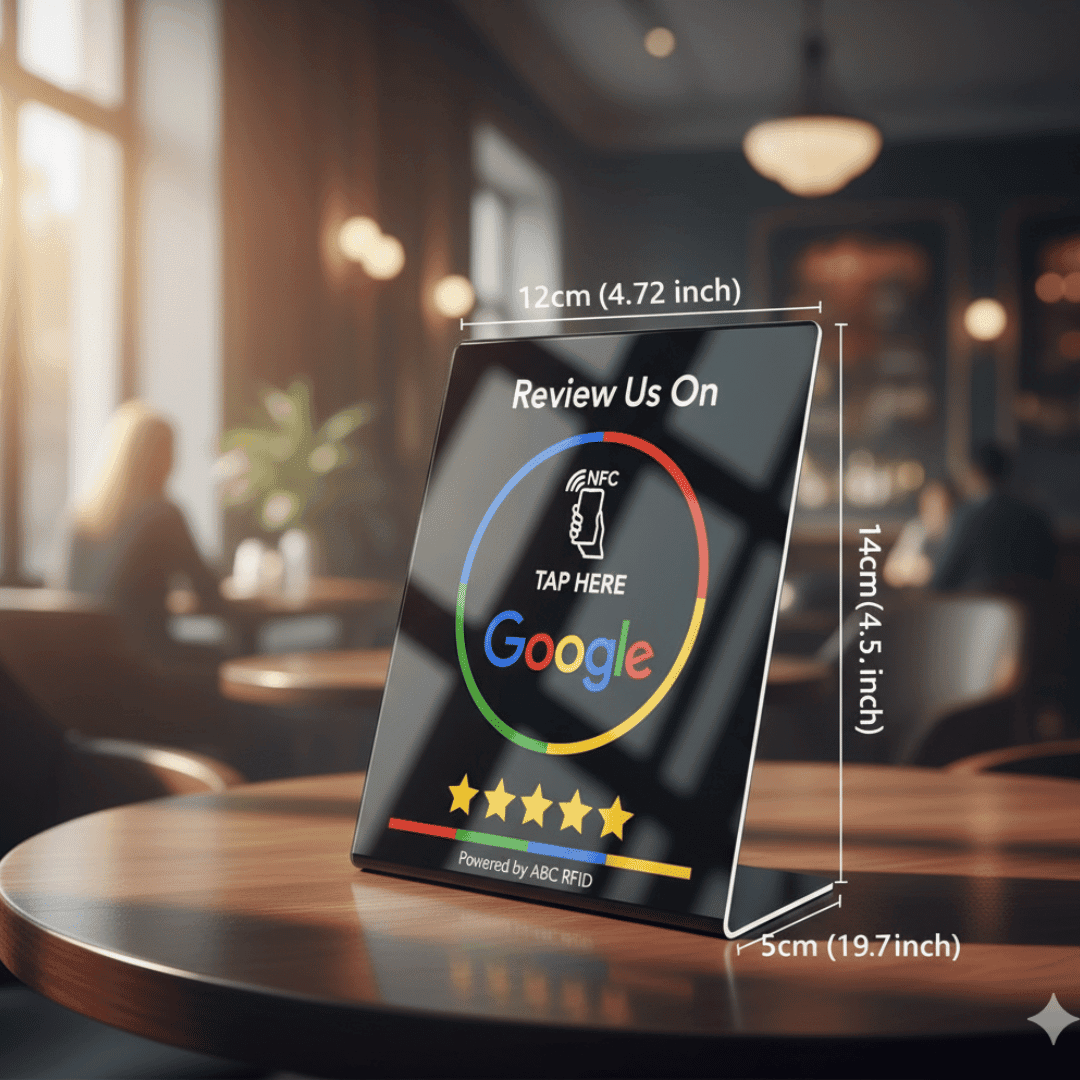
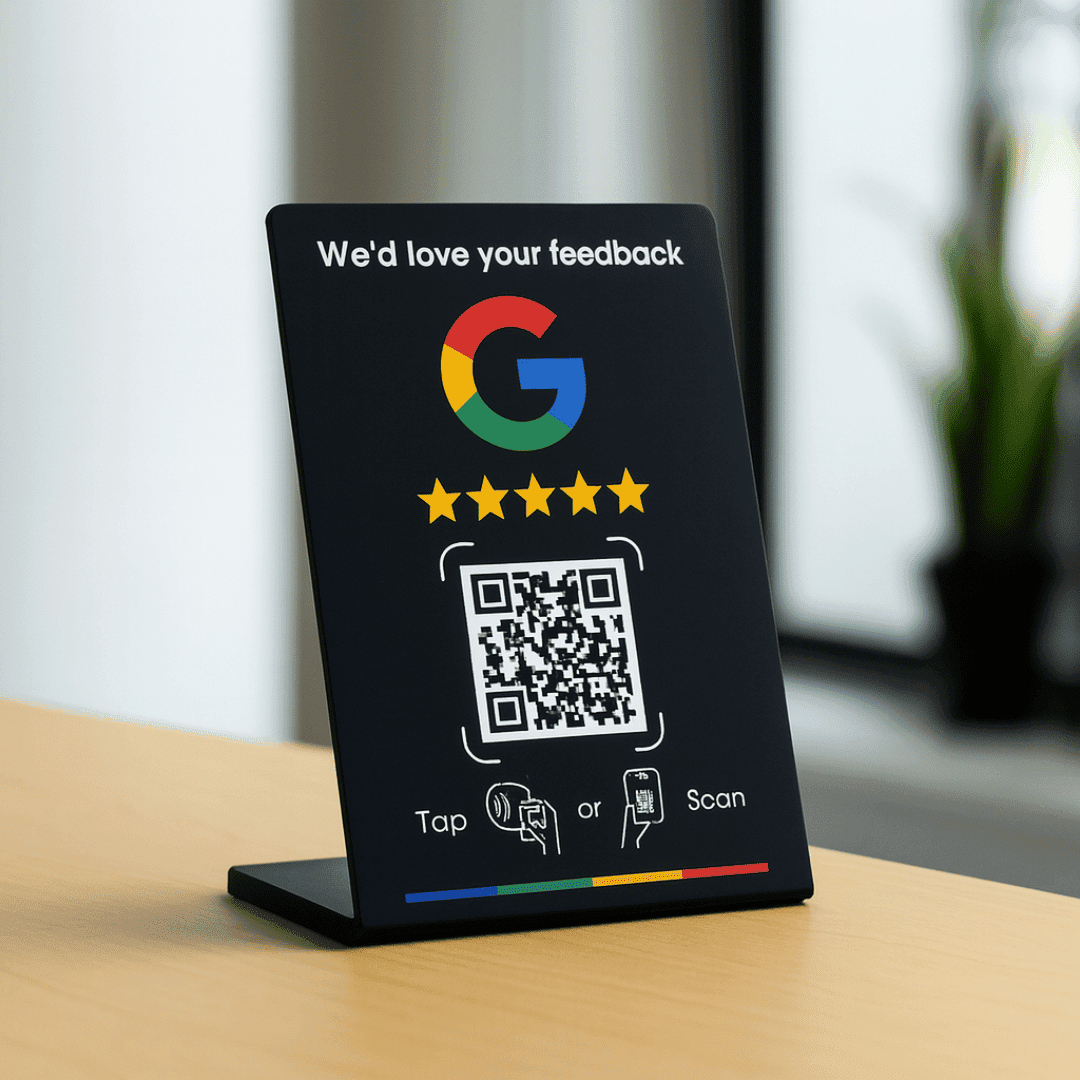
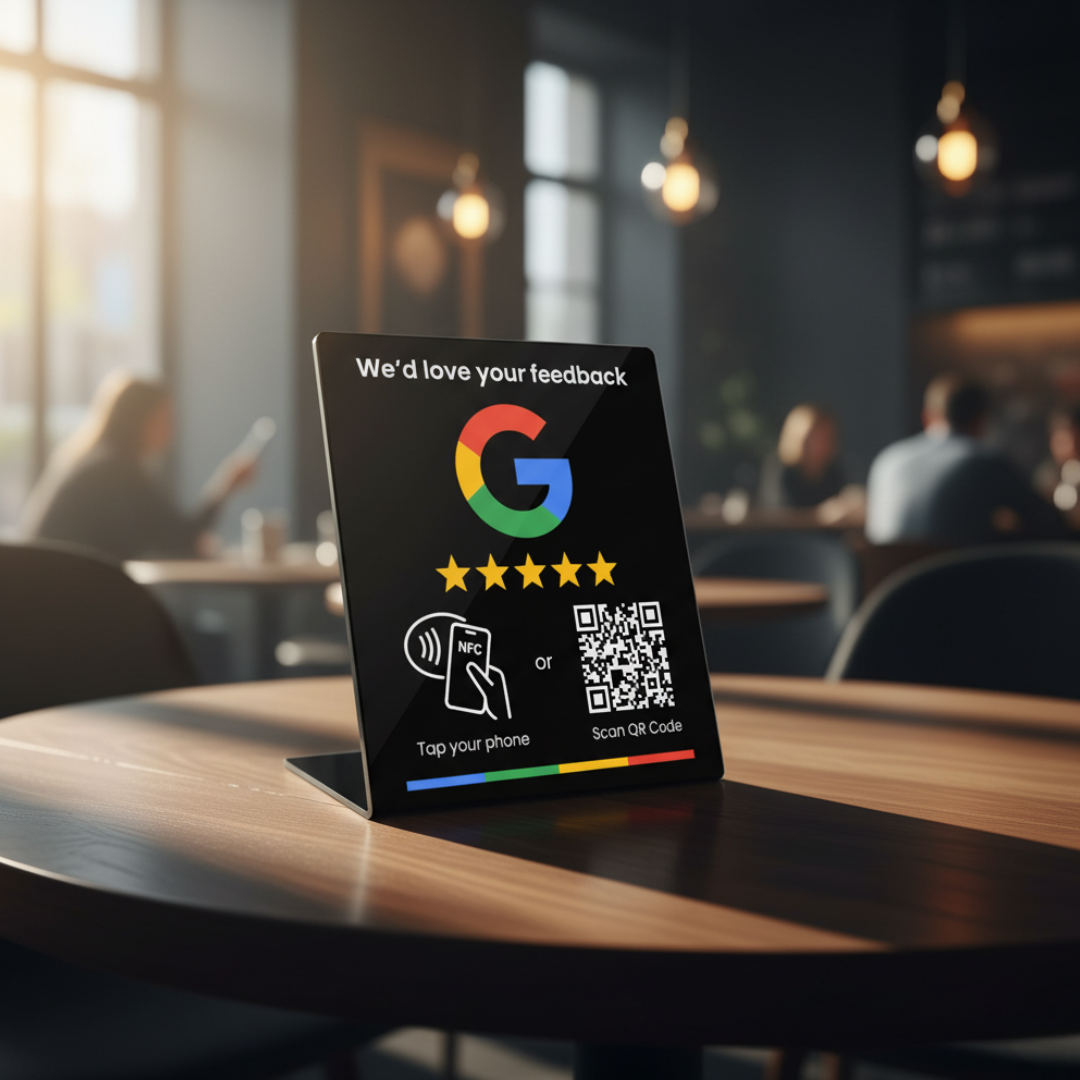
- Printed QR code + NFC backup
- 12-month warranty
Product overview
Acrylic Google review stand for your counter or reception. Choose a QR-enabled option to share your review link by camera scan, with NFC as a backup.
Review Stands
QR Google Review Stands: share with one scan
Acrylic Google review stand for your counter or reception. Choose a QR-enabled option to share your review link by camera scan, with NFC as a backup.
Pricing
Price on request
- 12-month warranty on physical cards
Printed QR code
NFC tap as backup
What you get with the QR Google Review Stands
Counter-Top Ready
Weighted acrylic base sits perfectly on tills, desks, receptions and restaurant tables.
One-Scan Reviews
Customers scan the QR code to open your Google review link. A Google account is needed to publish a review.
Backup NFC Tap
An NFC chip inside every stand for one-tap sharing on NFC-enabled phones.
Three Formats & Two Finishes
NFC, NFC + QR, or large format — in premium White or Black to match any brand.
QR Google Review Stands specifications
What you get with this product: a printed QR code and an NFC chip, both linked to the page you choose.
- Material
- Depends on the product: sticker, stand, plaque or wristband
- Size
- Sized for its use, from small stickers to freestanding stands
- Chip & QR code
- A printed QR code plus an NFC chip, both linked to your page
- What's in the box
- The item you chose, ready to place or wear
How your QR Google Review Stands work
No app to download and nothing to install: a printed QR code and an NFC chip work together, so people can scan or tap.
1. Order & personalise
Pick your variation, add the link you want it to open, and place your order. Each item is set up and printed to order.
2. Scan to check
When it arrives, scan the printed QR code with your phone camera, or tap it on an NFC-enabled phone, to check it opens the right page.
3. Share it
Hand it over or put it on display, and people scan or tap to open your page. The link is the one you gave us, so check it before you order.
Key Feature
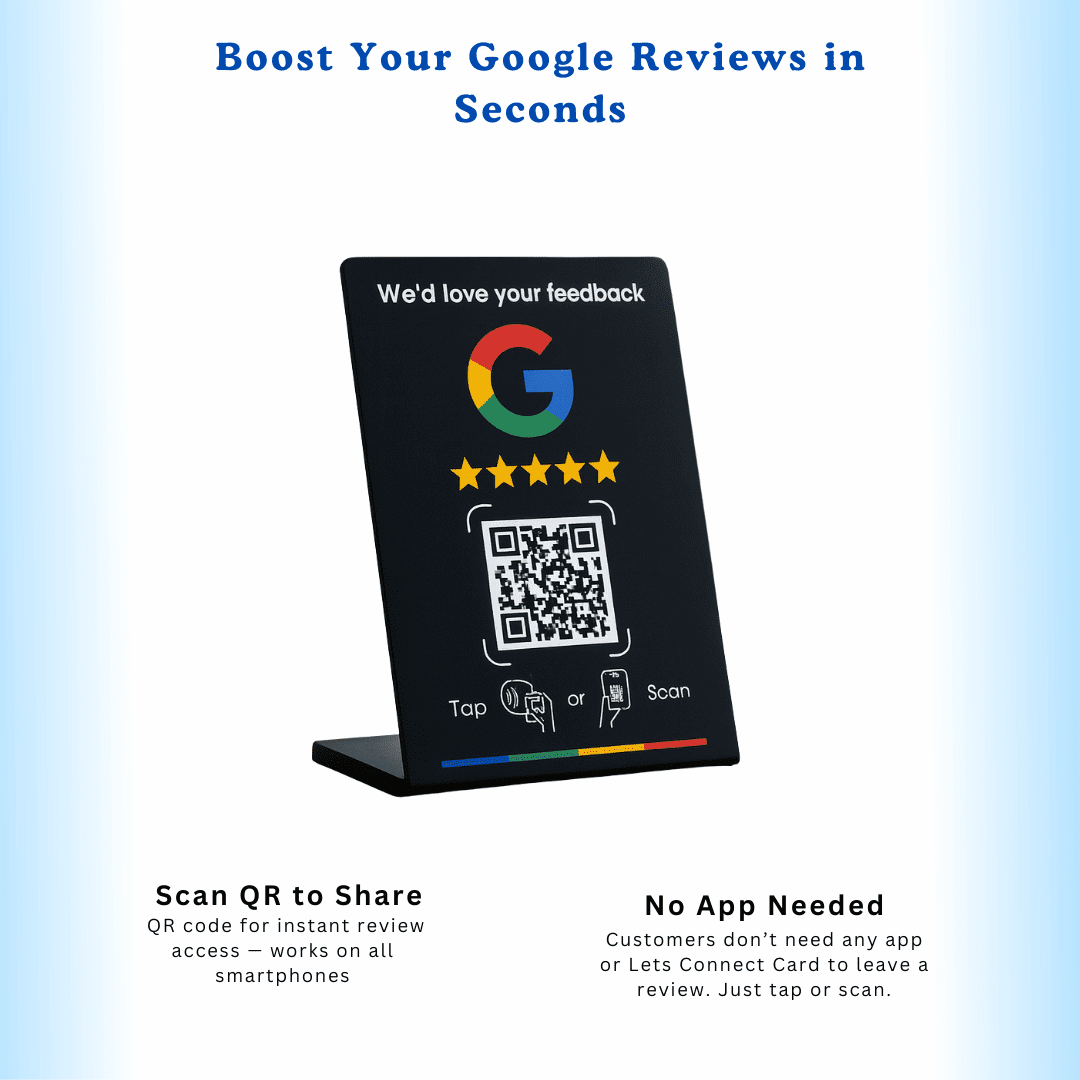
A Counter Display for Google Reviews
Place a QR-enabled review stand at reception, checkout or a table. Invite customers to scan the QR code to open your Google review link and share their own experience.
- Free-standing display engineered for visibility
- QR scanning, with NFC as a backup on compatible phones
- Available in premium White and Black finishes
- Standard, QR, and Large formats for any space
Key Feature
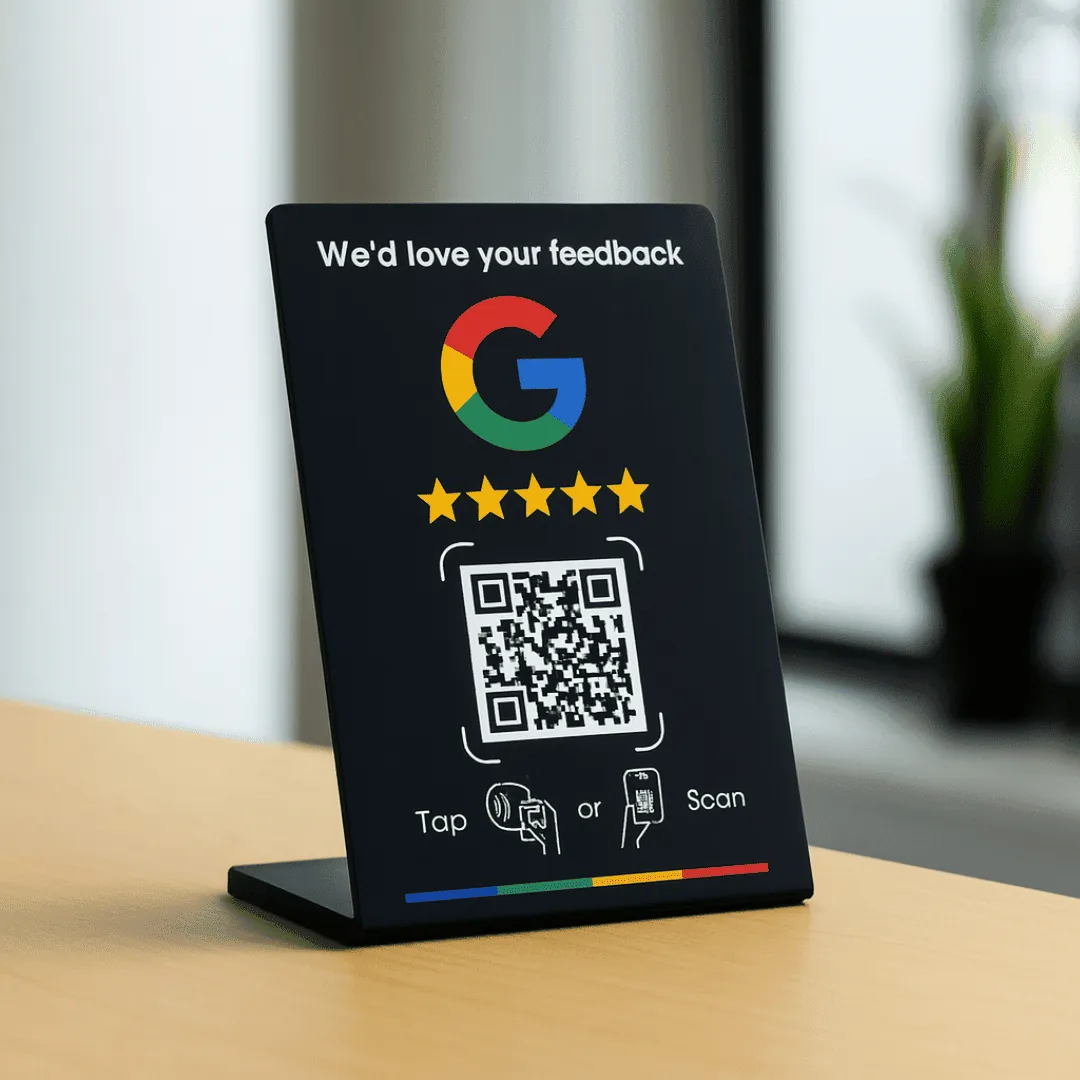
Reviews Without the Awkward Ask
Keep your review link visible on your counter. For multiple locations, use a separate Google review link for each branch so customers can review the place they visited.
- A visible reminder to share feedback
- Professional appearance customers trust
- No batteries or charging required
- Programme a unique review URL per location
Technical Details
Stand Specifications
- Material
- Premium cast acrylic
- Sizes
- Standard / Large format
- QR Code
- Dynamic, printed panel
- Backup NFC Chip
- Yes
- Colours
- White, Black
- Compatibility
- Works with the camera on recent iPhone and Android phones
Get started
Invite Feedback After a Visit
Make your Google review link easy to find at your counter and invite customers to share honest feedback.
- 30-day returns policy
- 12-month warranty on physical cards
Got Questions?
Frequently Asked Questions
Everything you need to know about the QR Google Review Stands
- How do customers leave a review?
- They point their phone camera at the QR code and your Google review page opens instantly. NFC-enabled phones can also simply tap the stand.
- Where does the stand work best?
- It is a free-standing display for counters, reception desks, tables and shelves, wherever customers pause for a moment.
- What is the difference between Standard and Large?
- Standard suits tills and small counters. Large provides a bigger display for reception areas and larger counters.
- Do I need to charge or power the stand?
- No. The printed QR code and NFC chip do not need batteries or charging. Keep the display clean and the QR code readable.
- Can I order stands for multiple branches?
- Yes. Use a different Google review link for each branch so customers can review the location they visited.
- What technology is inside this product?
- A printed QR code and an NFC chip, both linked to the page you choose. People scan the code with a phone camera or tap the item on an NFC-enabled phone.