Google Review QR Card: Scan Straight to Your Review Form
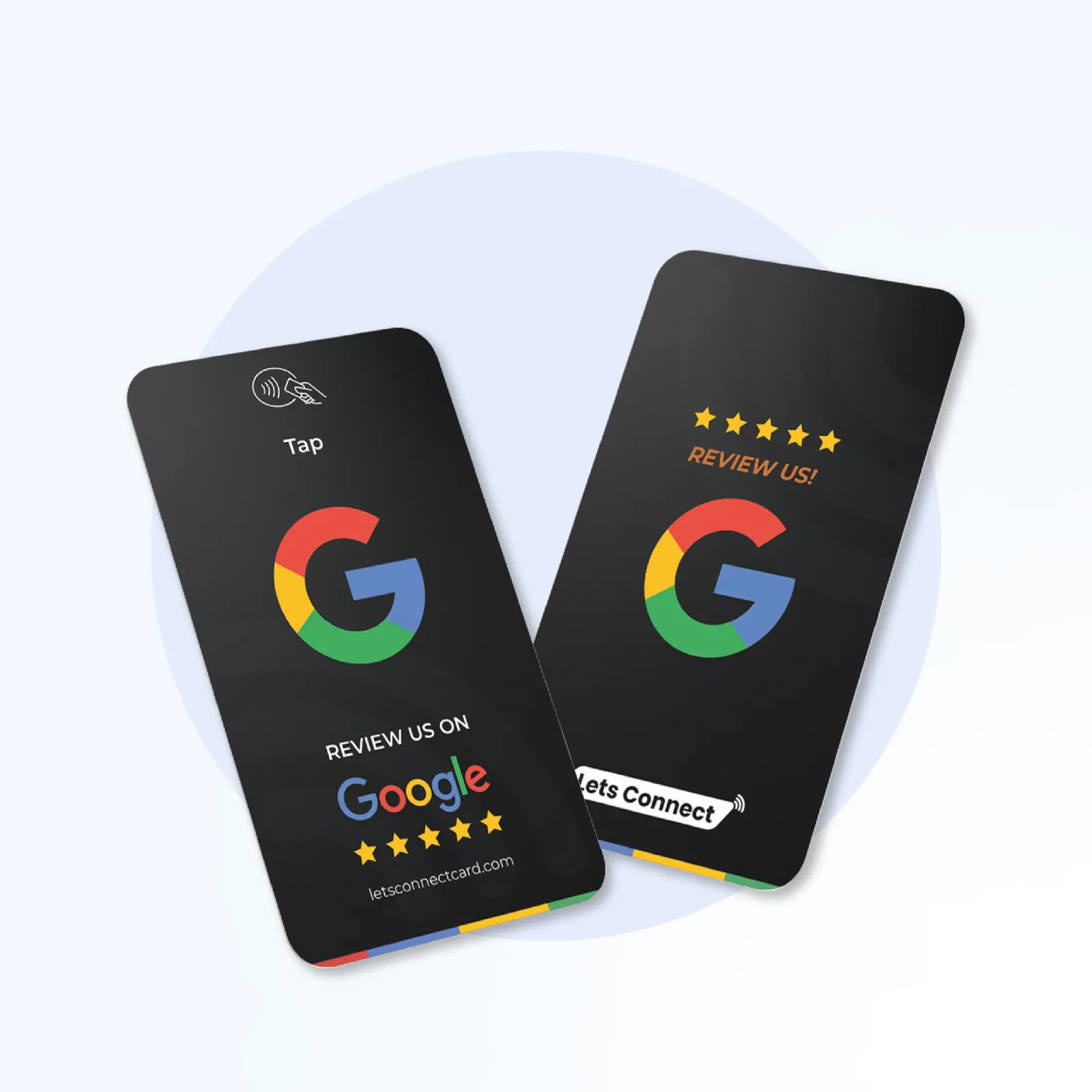
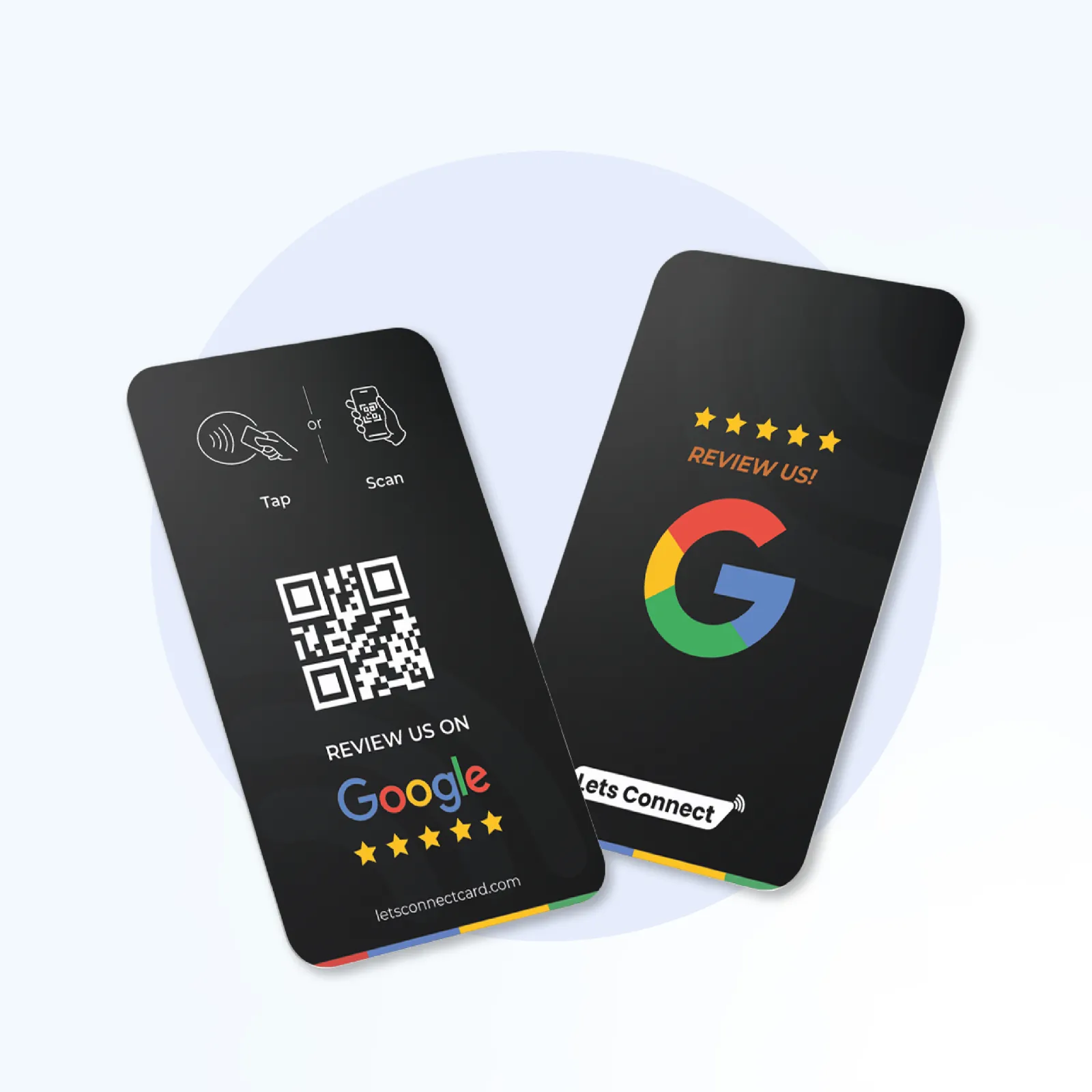
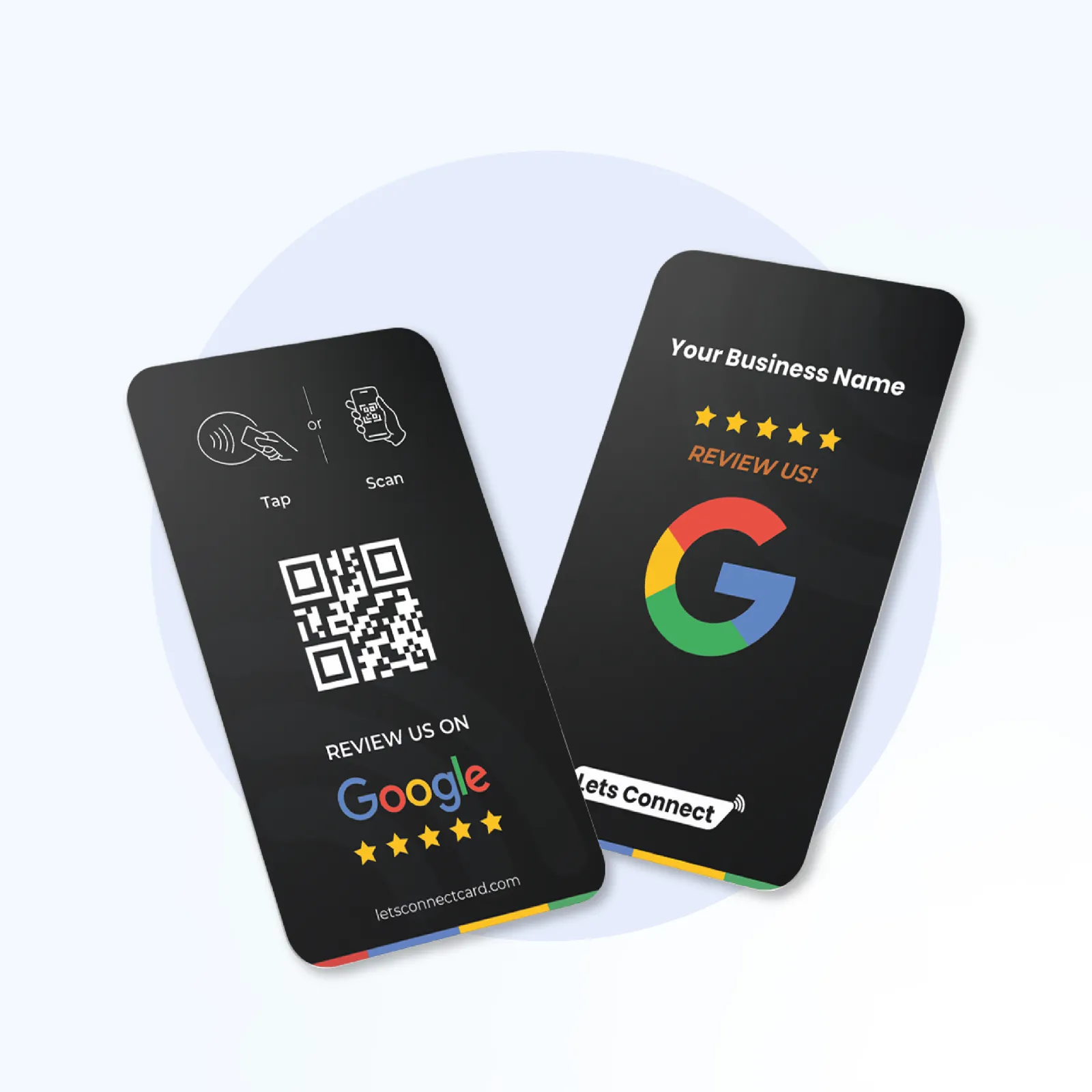
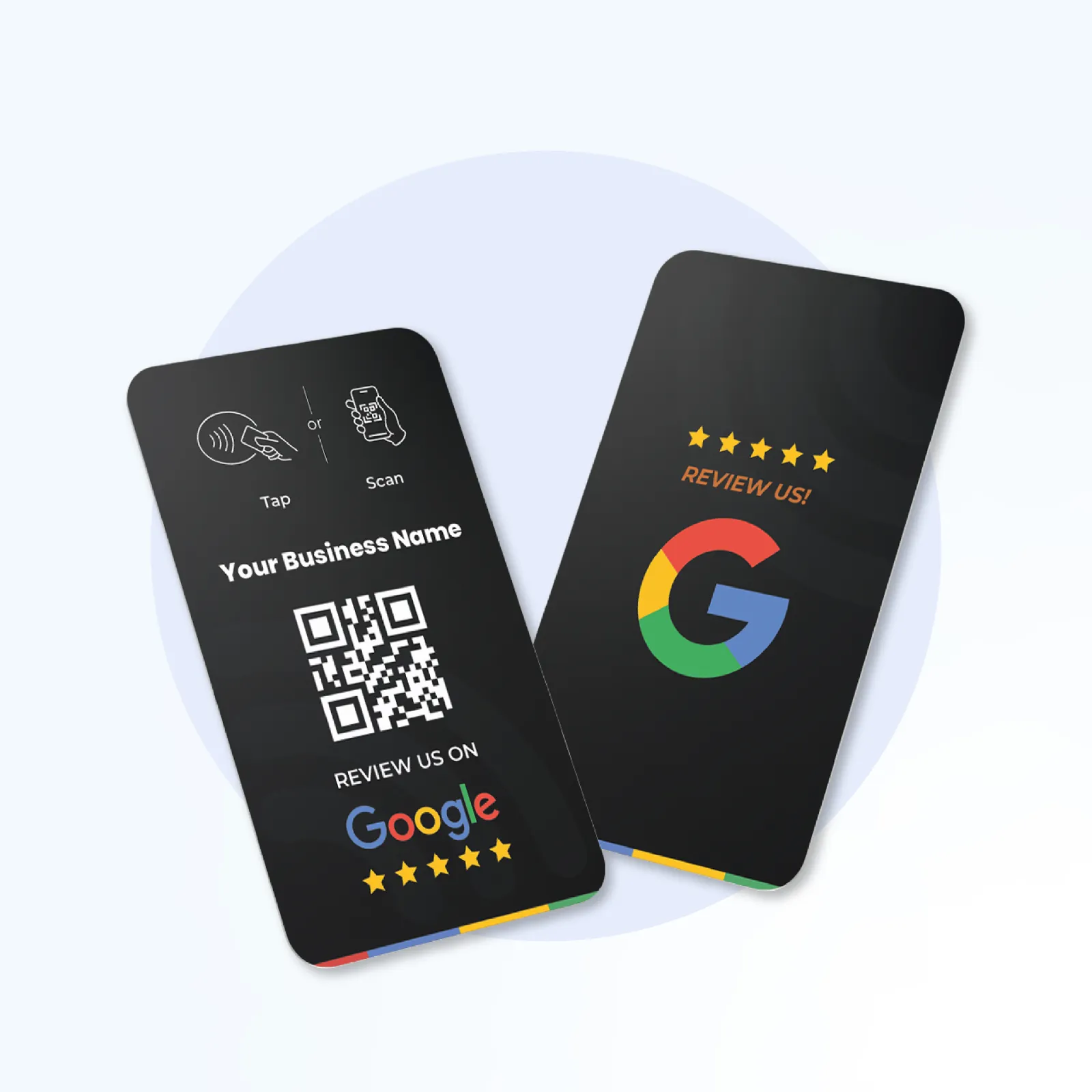
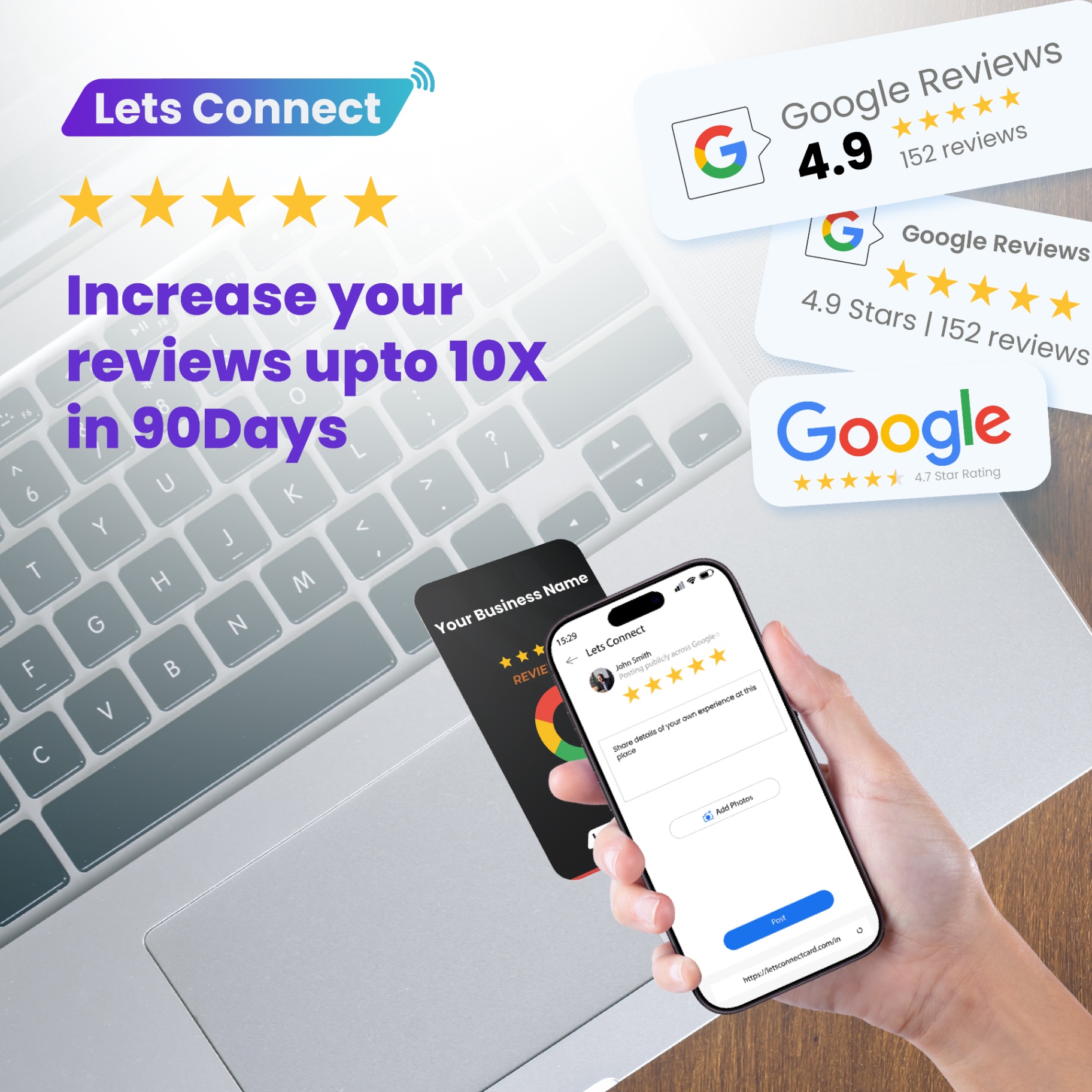
This card has a printed QR code that opens your Google review form directly, so a happy customer can leave a review in seconds instead of hunting for your listing in Maps. It is made for cafés, salons, clinics, garages and any local business that wants more Google reviews. The NFC chip inside gives a backup tap.
Price on request
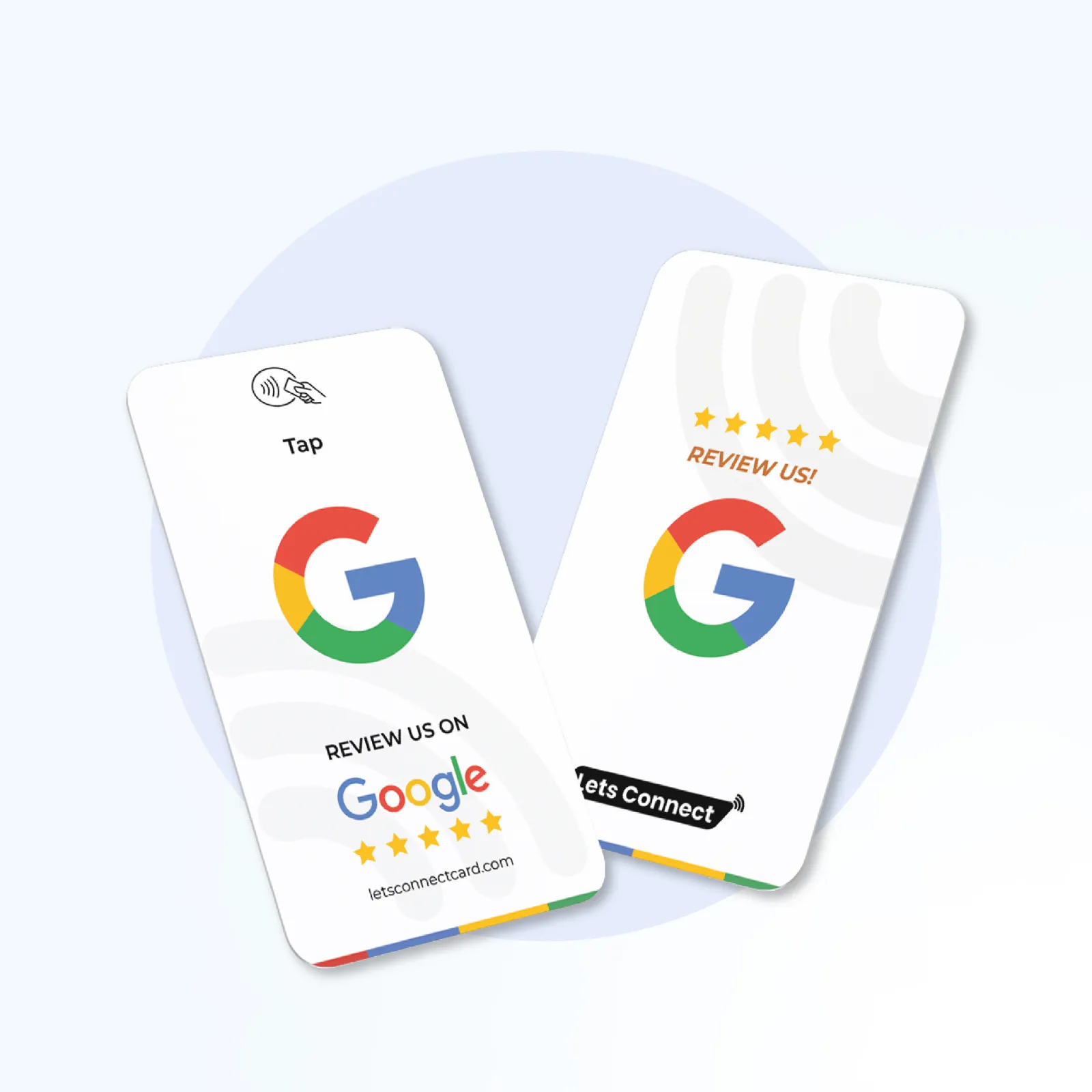
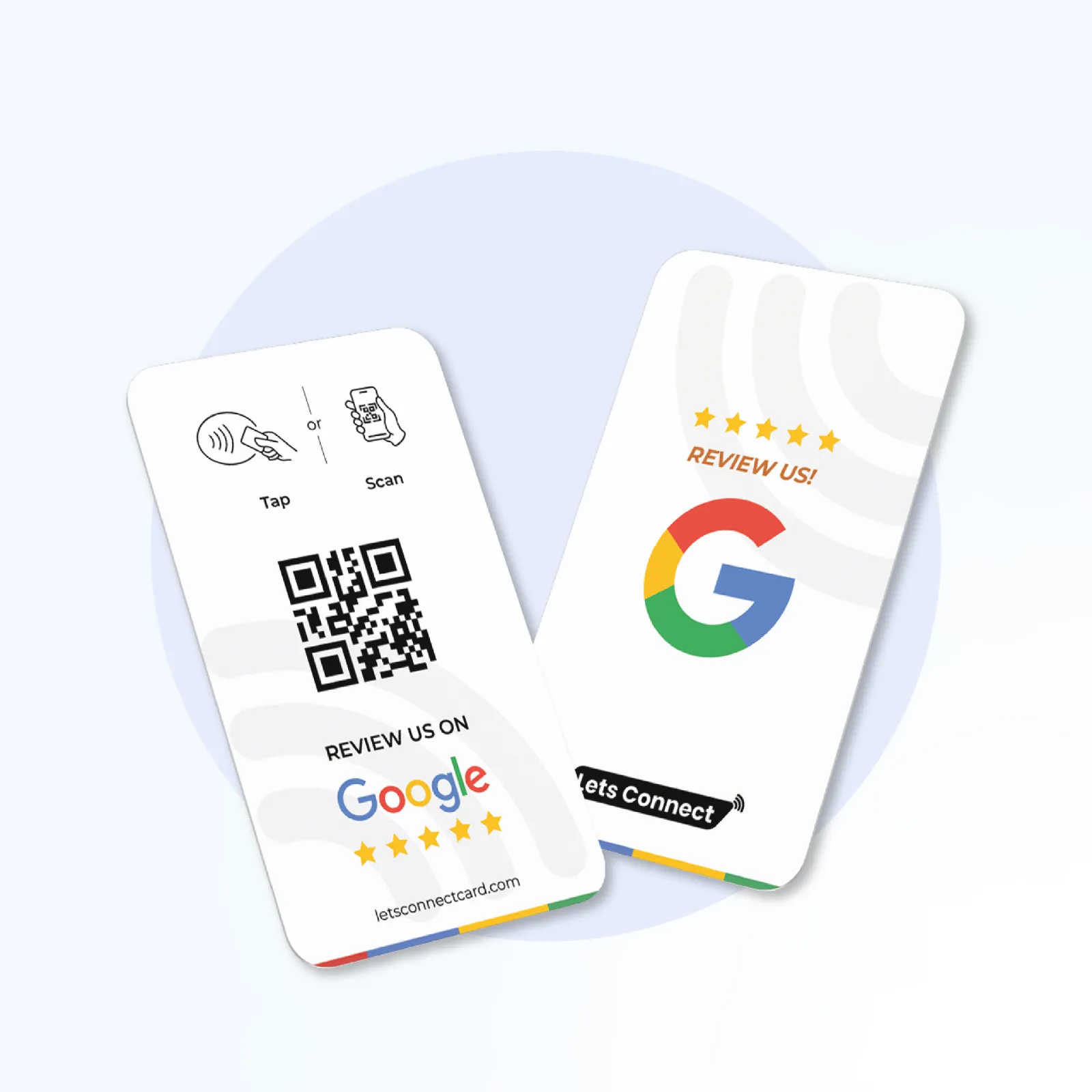
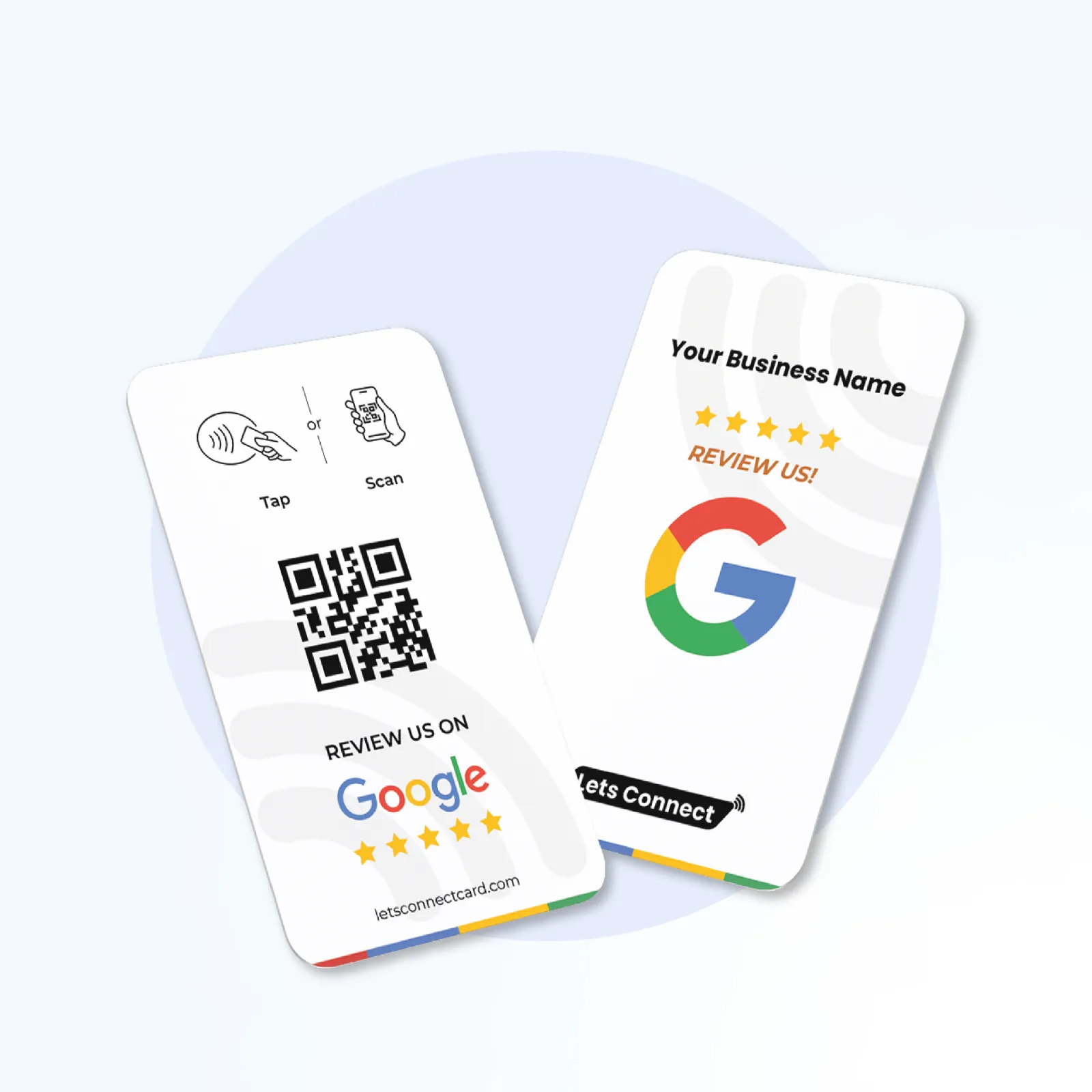
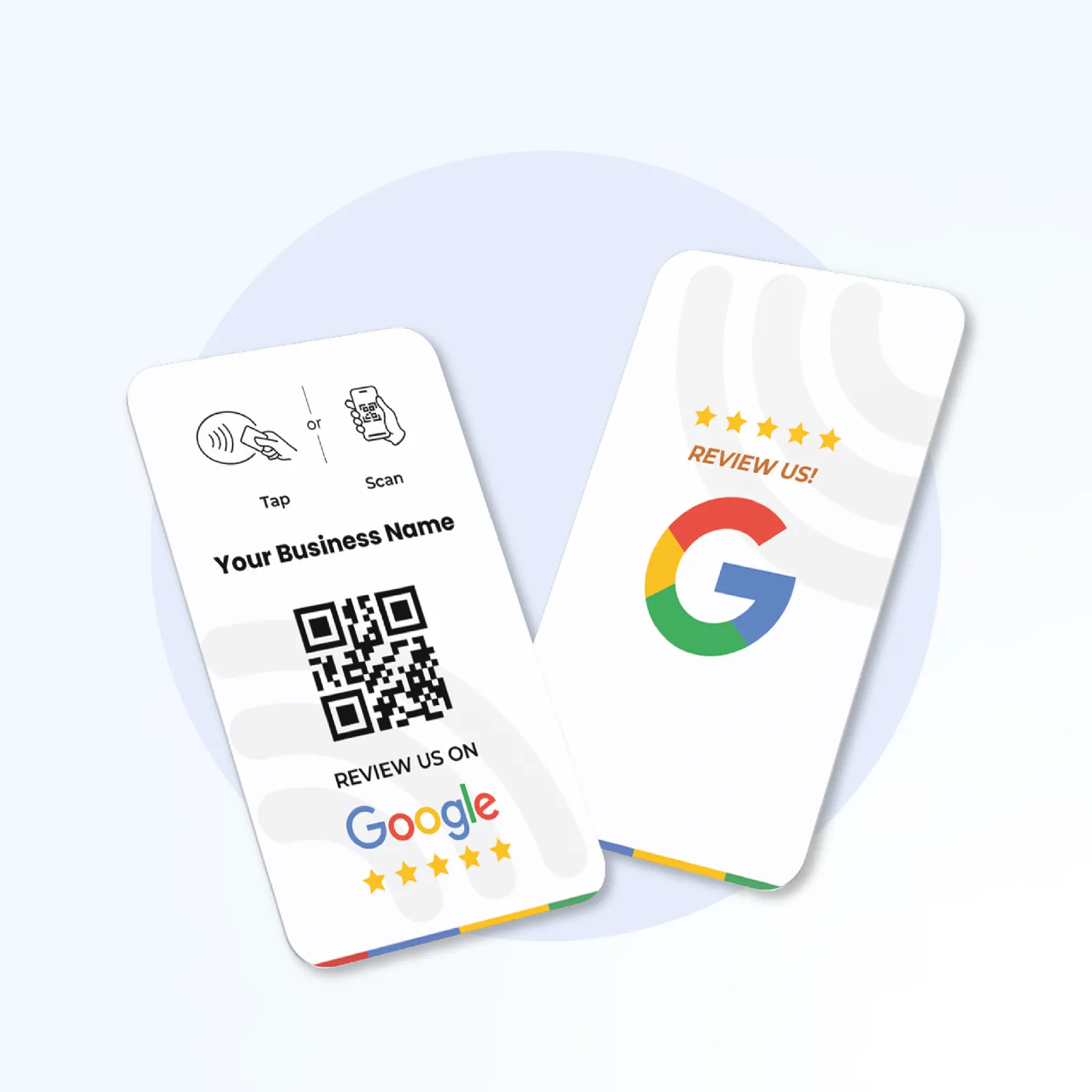
Editable URL add-on: available on request
This yearly add-on isn’t sold online yet. If you’ll want to change the link later without reprinting, ask us before you order.
Ask about the Editable URL add-on
- Printed QR code + NFC backup
- 12-month warranty
Product overview
Invite customers to share their experience on Google. A QR scan opens your review link, with NFC as a backup tap on compatible phones.
Review Cards
Google QR Review Card: one scan opens your review page
Invite customers to share their experience on Google. A QR scan opens your review link, with NFC as a backup tap on compatible phones.
Pricing
Price on request
- 12-month warranty on physical cards
Printed QR code
NFC tap as backup
What you get with the Google QR Review Card
Scan-to-Review Google QR
Opens your Google review link so customers can choose their own rating and write a review.
QR Scanning + Backup NFC
Works with the camera on recent iPhone and Android phones
Make Your Review Link Easy to Find
Give customers a direct route to share their experience on Google.
White & Black Editions
Two premium finishes engineered to sit on any counter or reception desk.
Google QR Review Card specifications
What you get with this product: a printed QR code and an NFC chip, both linked to the page you choose.
- Material
- Depends on the version you choose: card, stand, sticker or plaque
- Size
- Sized for where it will be used, from wallet cards to counter stands
- Chip & QR code
- A printed QR code plus an NFC chip, both linked to your review page
- What's in the box
- The item you chose, linked to your review page
How your Google QR Review Card works
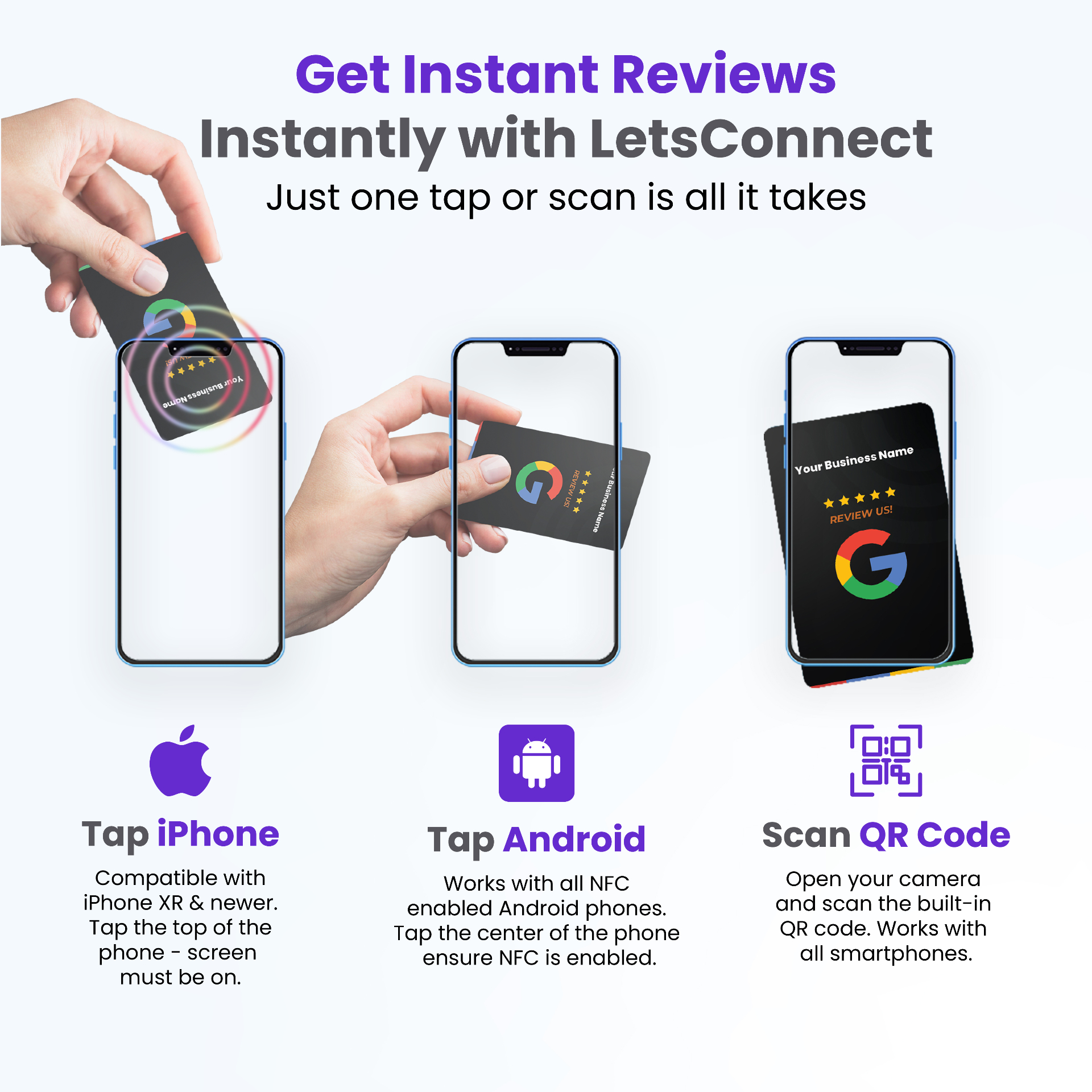
No app to download and nothing to install: a printed QR code and an NFC chip work together, so people can scan or tap.
1. Order & personalise
Pick your variation, add the link you want it to open, and place your order. Each item is set up and printed to order.
2. Scan to check
When it arrives, scan the printed QR code with your phone camera, or tap it on an NFC-enabled phone, to check it opens the right page.
3. Share it
Hand it over or put it on display, and people scan or tap to open your page. The link is the one you gave us, so check it before you order.
Key Feature
A Simple Way to Ask for Google Reviews
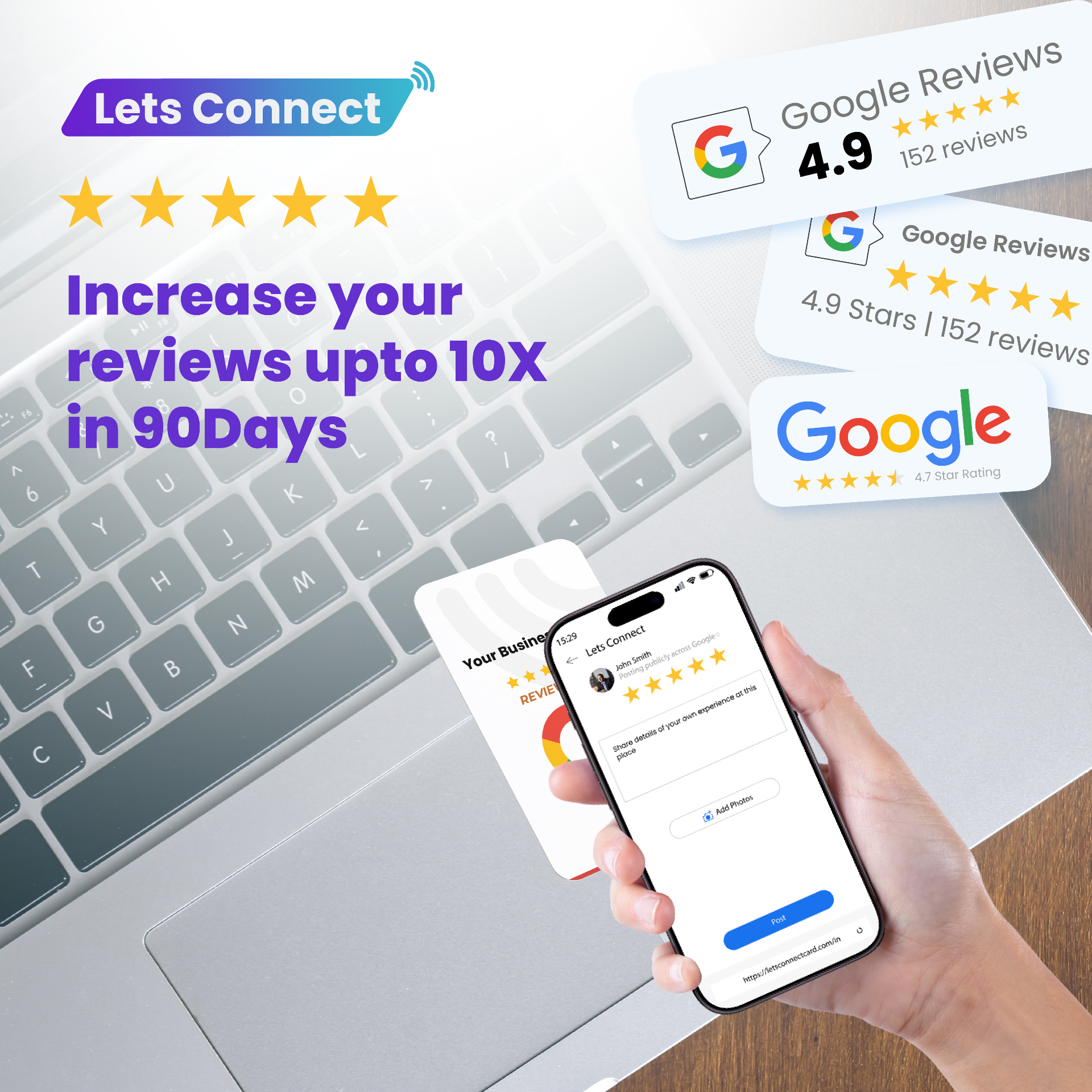
Place your Google QR Review Card where customers can see it and invite them to share their experience. They scan the QR code to open your review link, choose their own rating and write their feedback. A Google account is needed to publish a review.
- Direct link into your Google Business review form
- Customers choose their own rating and feedback
- Open your Google review link without searching for your business
- Available in signature White and Black finishes
Key Feature
How the Google QR Review Card Works
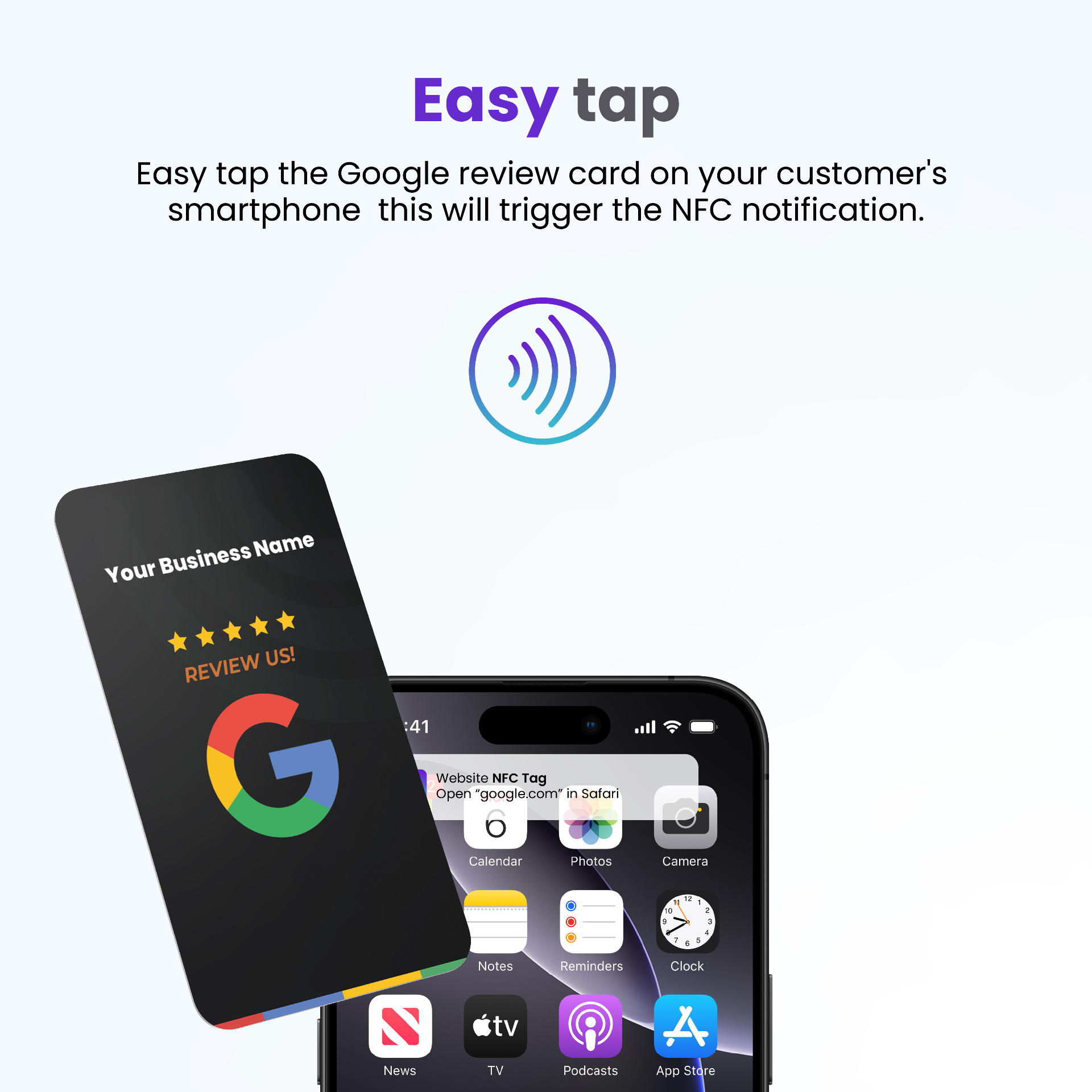
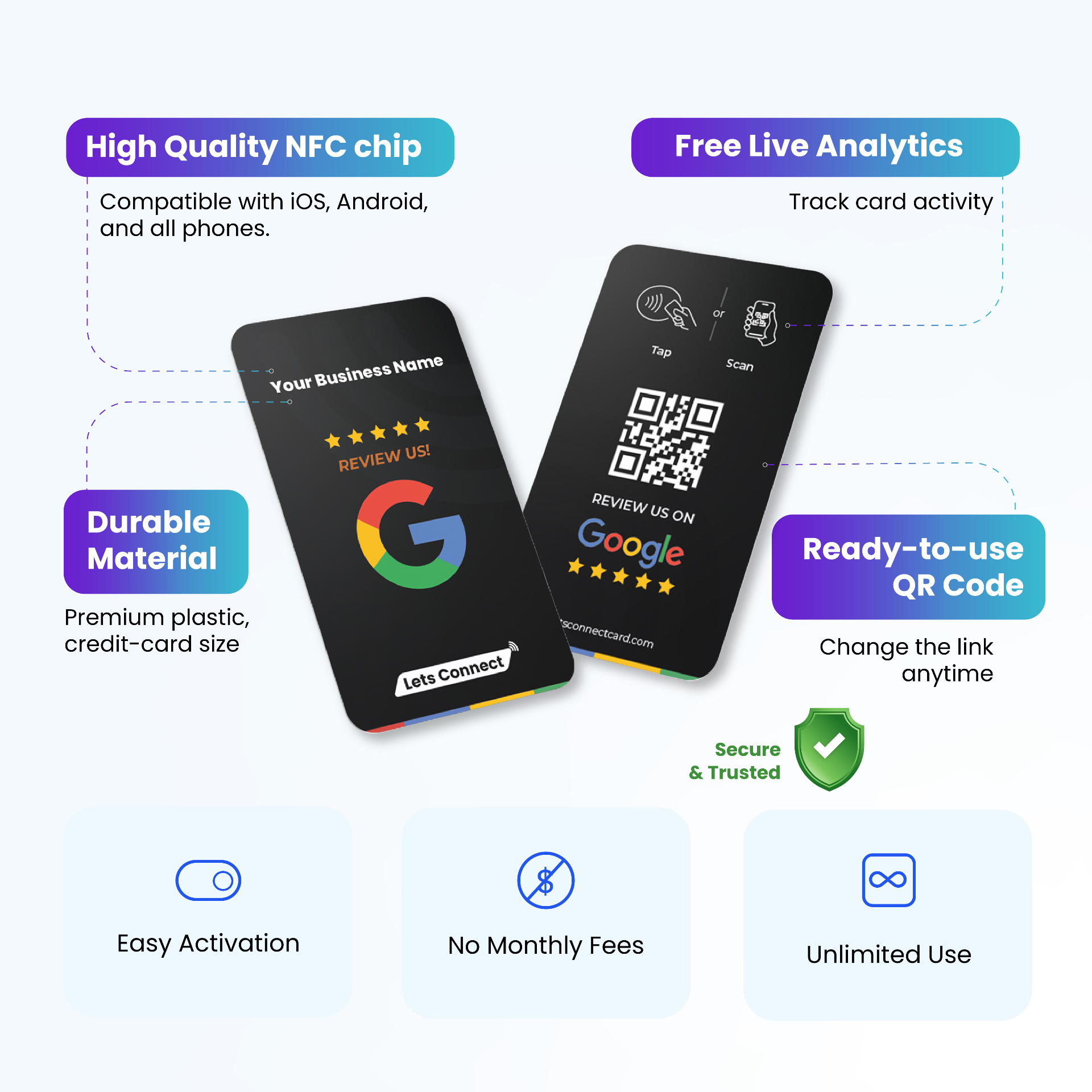
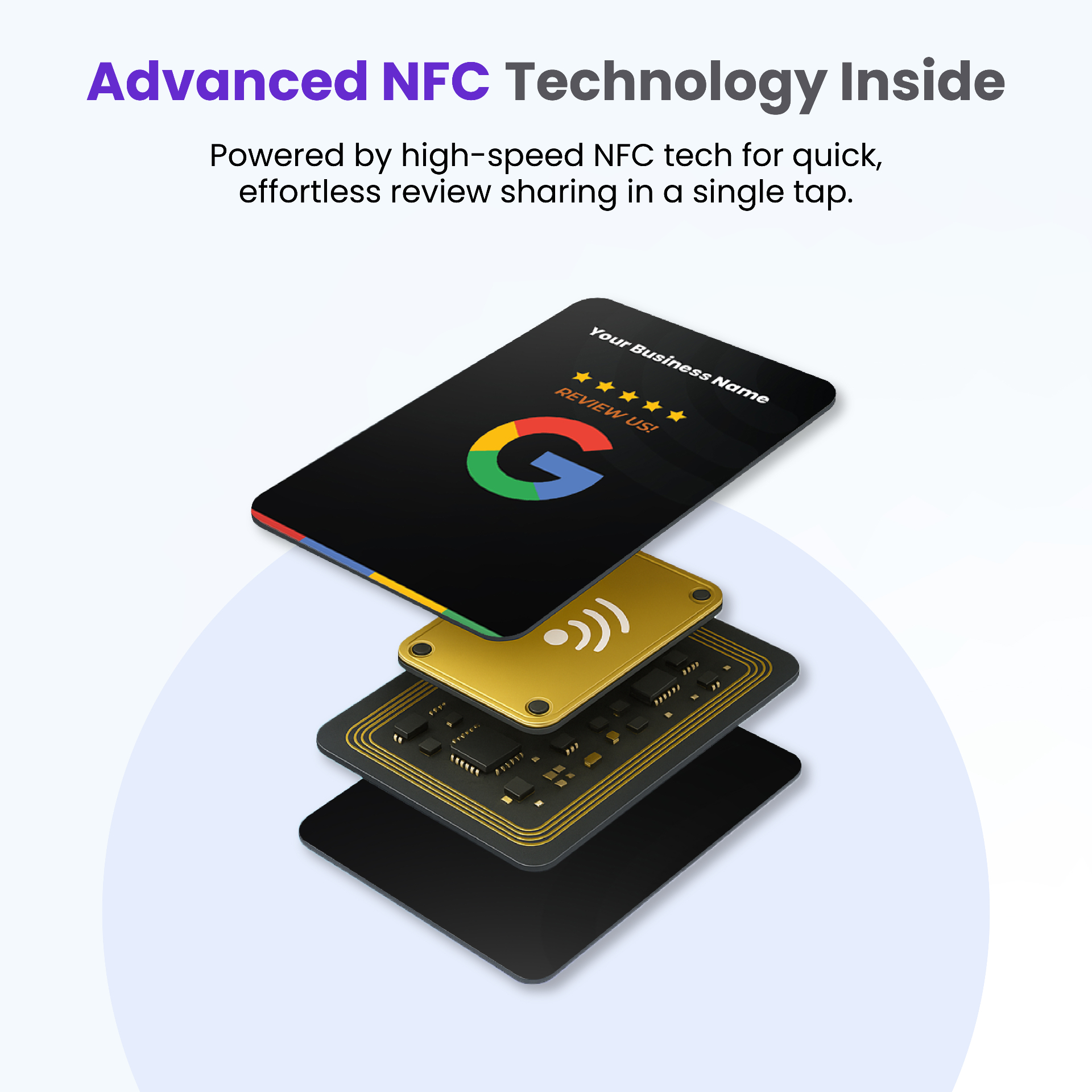
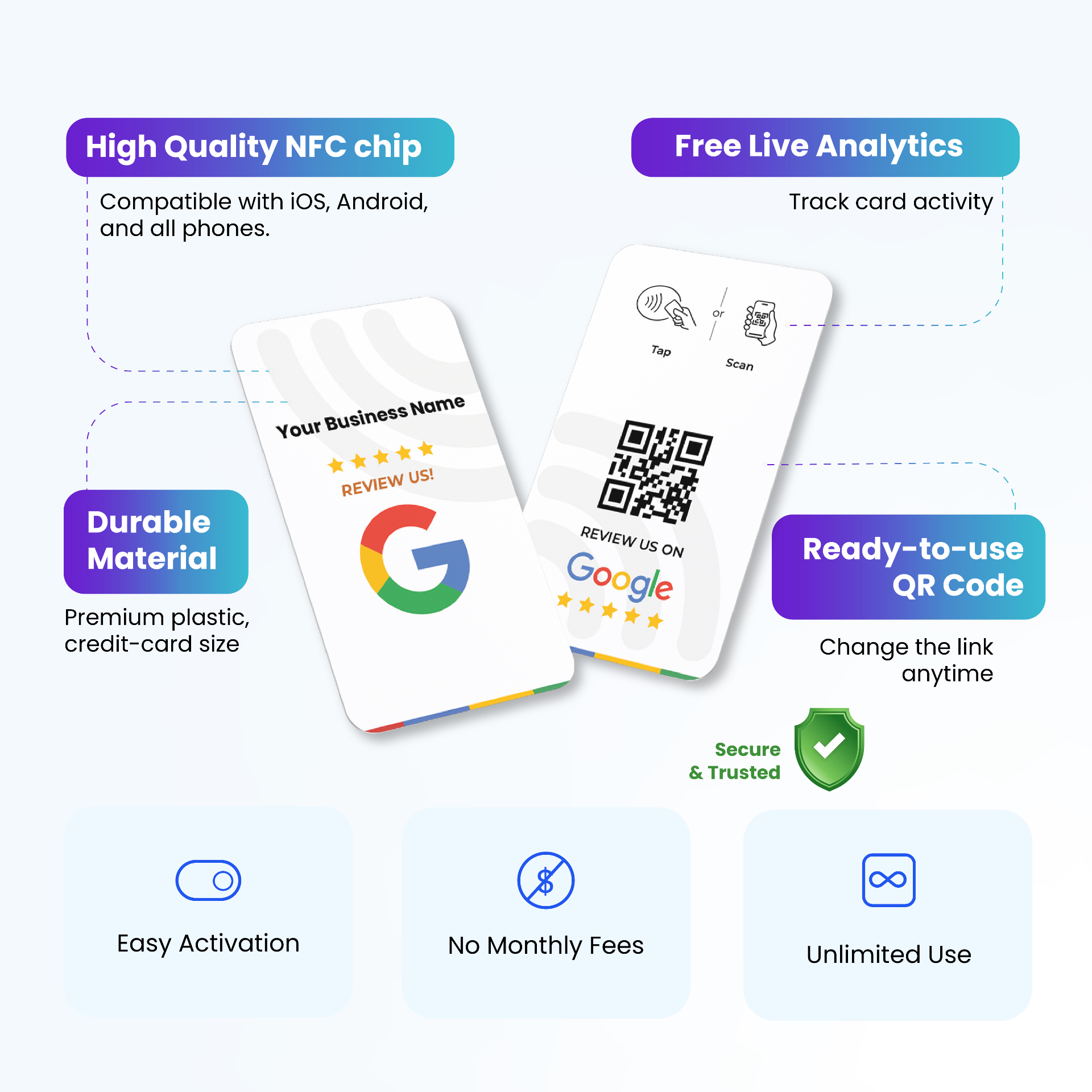
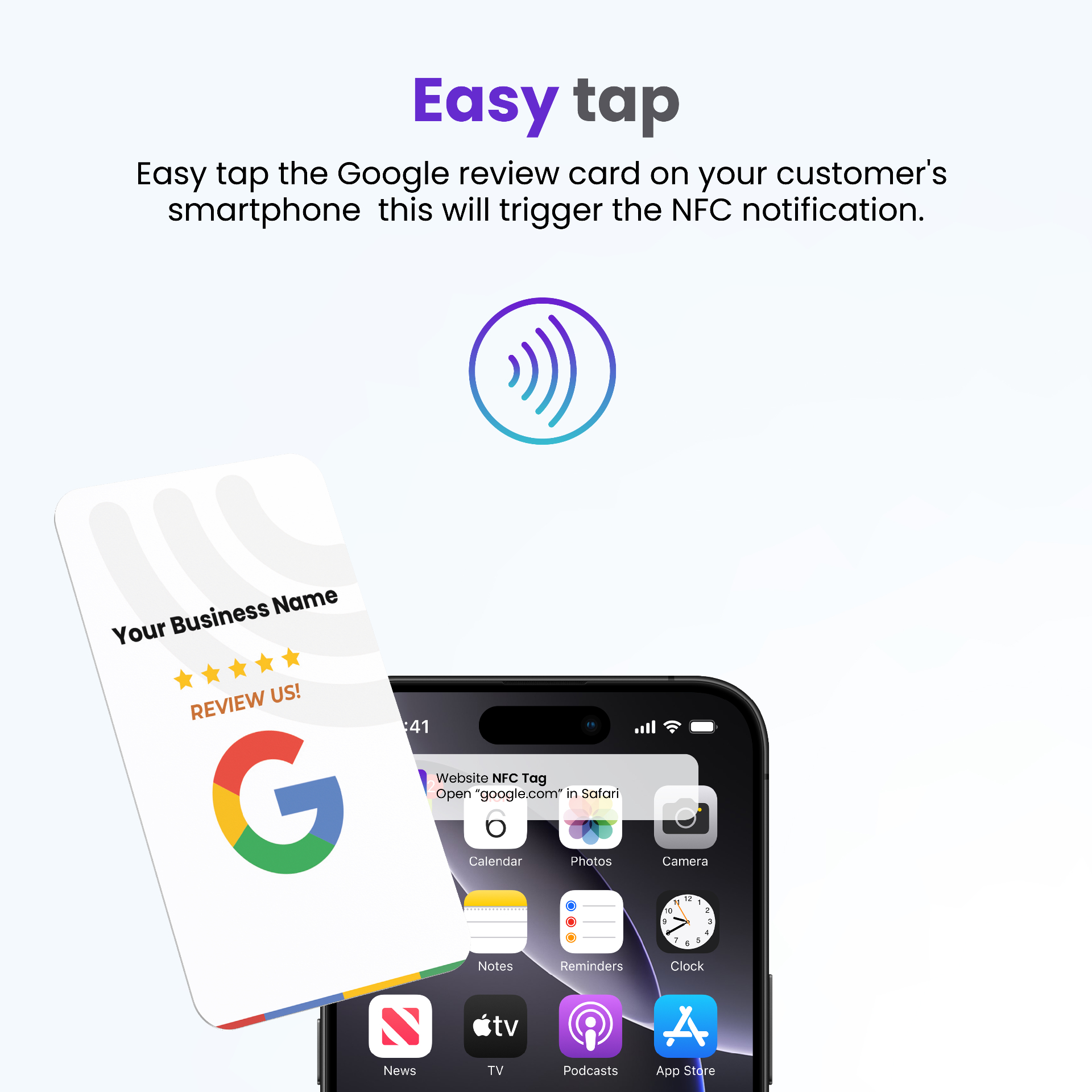
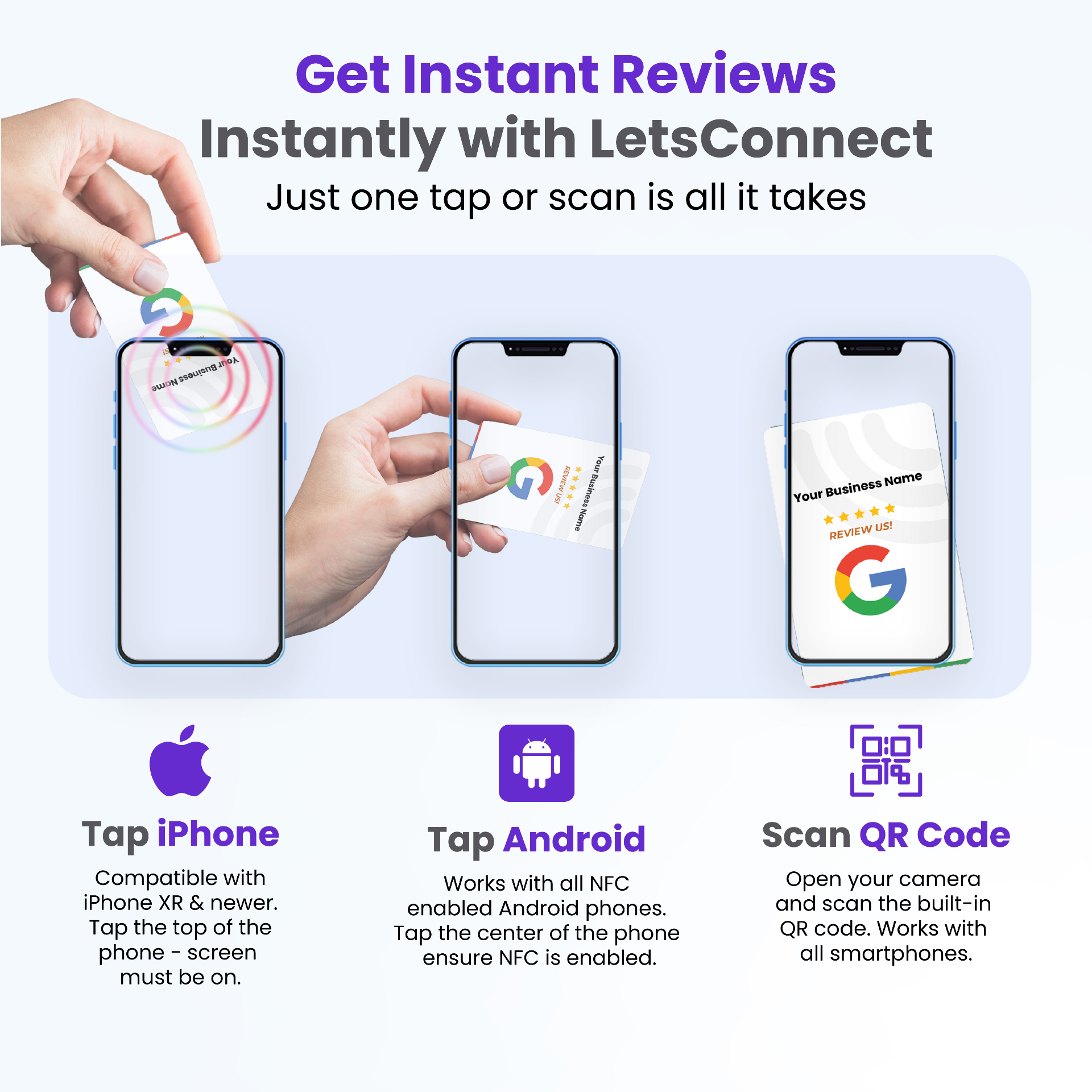
Every card carries a printed QR code and an embedded NFC chip, both linked to your Google Business review URL. When a customer scans the QR with their camera or taps their phone on the card, your Google review page opens, ready for them to leave a review.
- Scan-to-review QR opens the Google review form directly
- NFC tap fallback for NFC-enabled iPhones and Androids
- Works with the camera on recent iPhone and Android phones
- Made for everyday counter use
Technical Details
Card Specifications
- Material
- Premium PVC
- Dimensions
- 85.6 × 54 mm
- Technology
- Printed QR code + NFC chip
- Colours
- White, Black
- Compatibility
- Works with the camera on recent iPhone and Android phones
Get started
Start Asking for Google Reviews
Keep your Google review link handy and invite customers to leave honest feedback with a QR scan.
- 30-day returns policy
- 12-month warranty on physical cards
Where to use it
- Give it to customers at the end of an appointment
- Leave one on each table or by the till
- Hand it over with completed work or deliveries
- Train staff to offer it after a good experience
Want one card for all your details, not just one link? See the QR code business card.
Got Questions?
Frequently Asked Questions
Everything you need to know about the Google QR Review Card
- Does it open the review form or just my listing?
- It opens the Google review form for your business, using the review link from your Google Business Profile.
- Is it allowed under Google review rules?
- Yes, asking customers for a review is allowed. Google does not allow offering rewards for reviews or only asking customers you expect to be positive.
- Can I change where the code points later?
- The code is set up for the link you give us when you order, so double-check it before you place the order. The Editable URL add-on isn’t sold online yet; if you’ll need to change the link later, ask us before you order and we’ll confirm the options and the price.